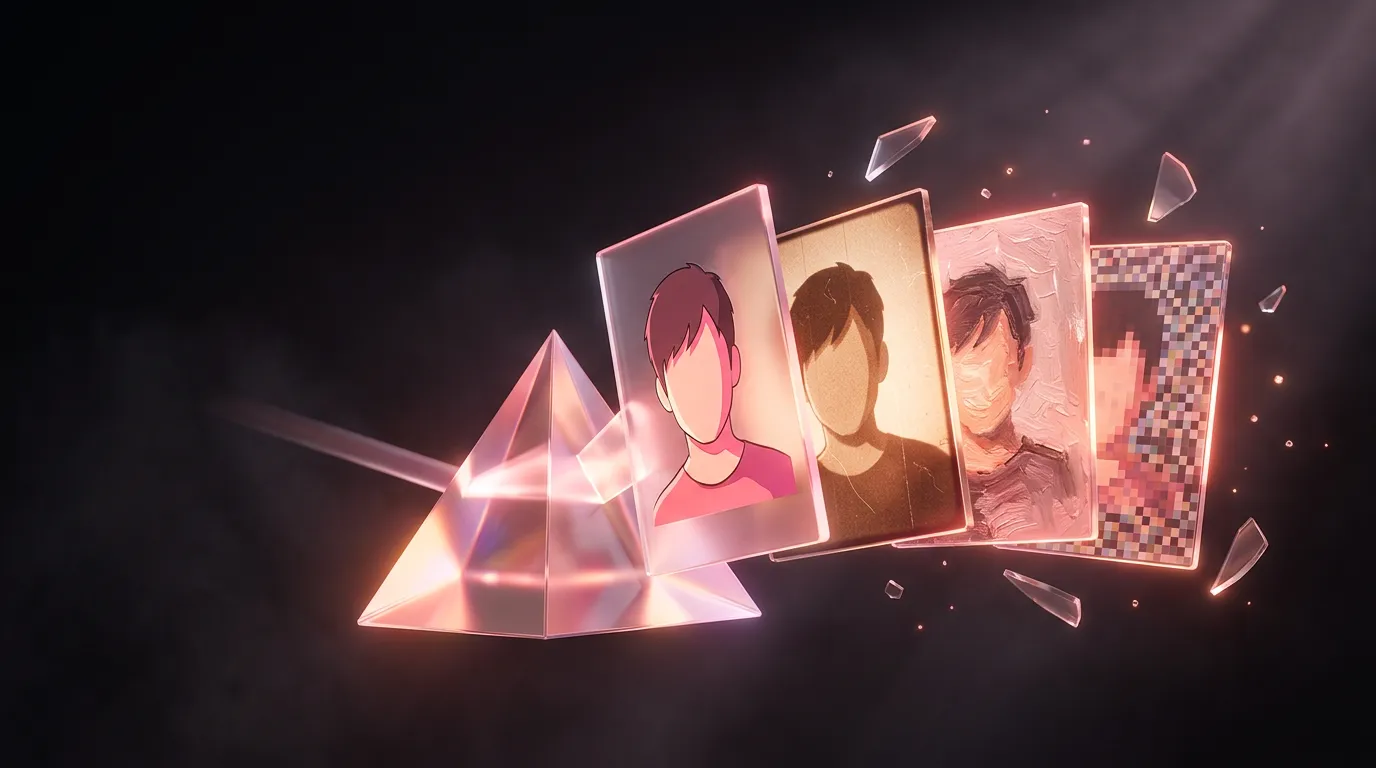
Turn your photo into anime, an 80s snapshot, a cartoon and more with AI
Upload your own photo and name the style — the model redraws it and keeps the pose, clothes and recognizable features. Below is a real example and ready requests.
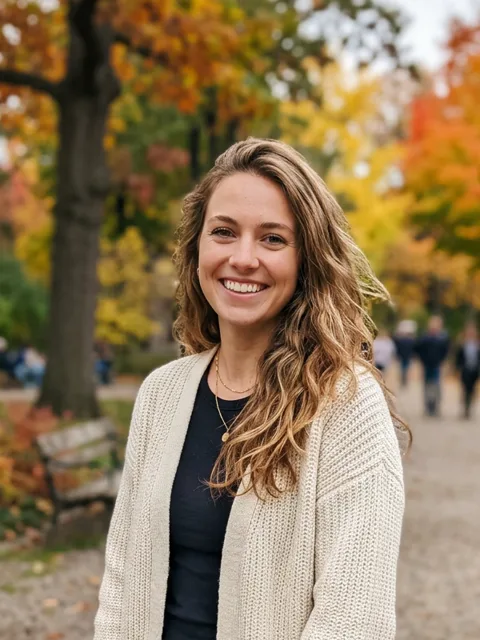
Original
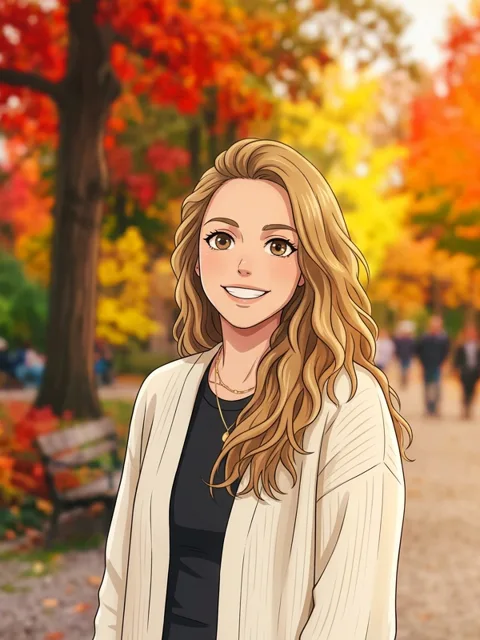
Anime
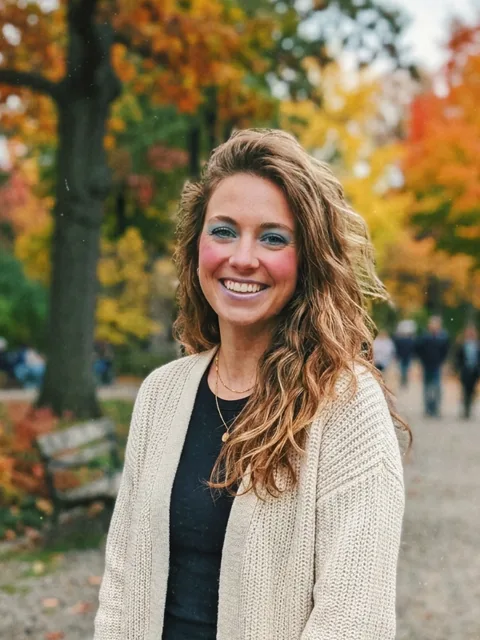
1980s
Styles: ready requests
2 prompts
Anime
Redraw this photo in Japanese anime style: clean lines, soft shading, expressive eyes. Keep the person, pose and background recognizable.
3D cartoon
Turn the photo into a 3D animated film still: soft volumetric light, slightly larger eyes, bright colours. The person stays recognizable.
2 prompts
1980s
Make this photo look like an 1980s snapshot: film grain, warm faded colours, a light leak at the edge, 80s hair and makeup. Face recognizable, no frame or date.
Polaroid
Make the photo look like a Polaroid: soft faded colours, a light vignette, square frame with a wider white border at the bottom. No writing.
2 prompts
Oil
Redraw the photo as an oil portrait on canvas: visible brushstrokes, warm light. The person stays recognizable.
Watercolour
Turn the photo into a watercolour: soft washes, light background, a thin pencil outline.
Describe the features of a style rather than a studio name — “3D cartoon, big eyes, soft light” works better than a brand and does not copy anyone’s characters. One restyled photo is about 67,000 tokens; the first visit gives 250,000.
More on style control: AI art and styles; all chapters: image generation guide.
Frequently asked questions
How do I turn a photo into anime for free?
Will the person still look like themselves?
Try it yourself
Everything in this guide runs inside Twelver
One chat for text, images, video, music and voice — no separate services or subscriptions.
Open Twelver chat