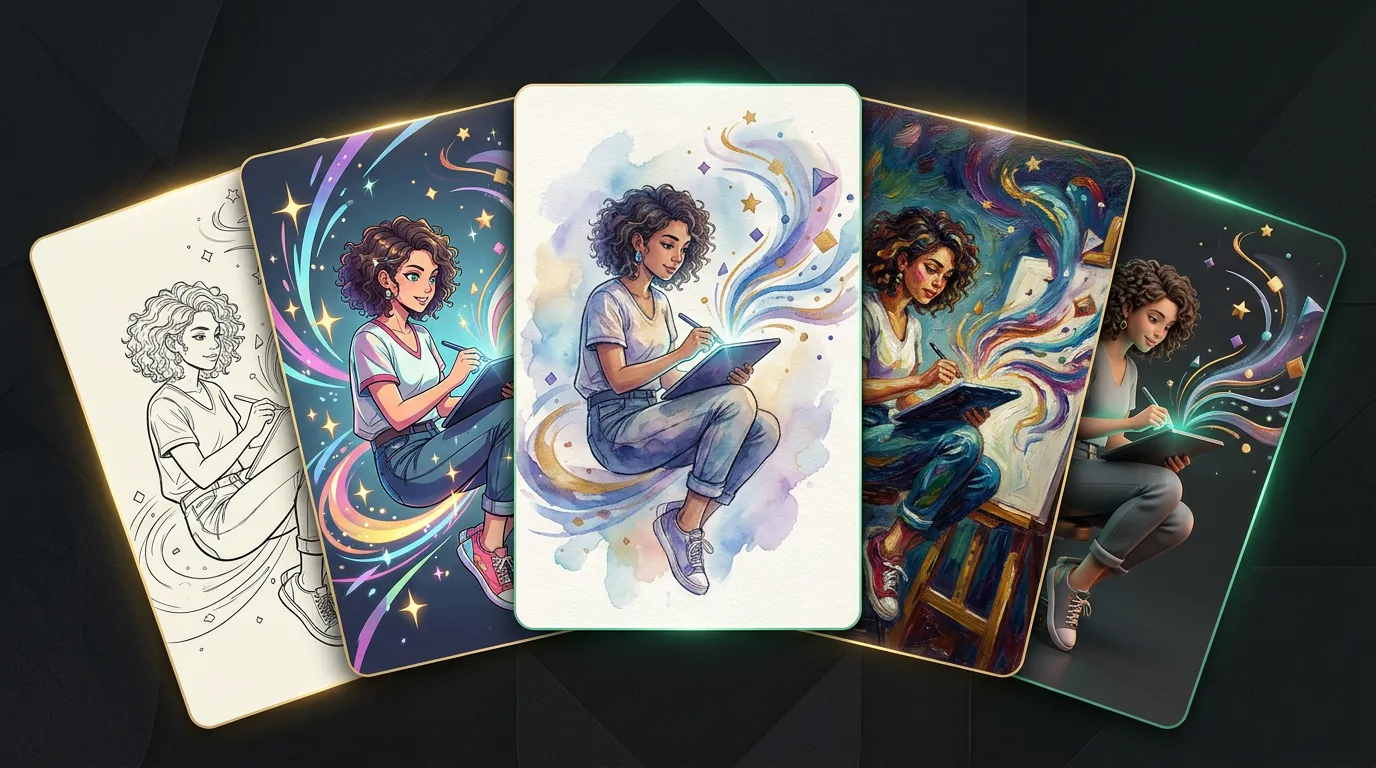
AI art and styles: anime, Ghibli and beyond
The most common "wow" reason people try generation at all is to turn their photo into art: themselves in anime style, a pet in the spirit of Ghibli, a landscape into watercolour. This is AI art: not so much "draw from scratch" as apply an artistic style. Controlling style deliberately is the last skill that turns random pretty pictures into a predictable result.
Style is the lever with the strongest effect
As we saw in the chapter on prompts, one word of style changes a picture more than a dozen tweaks to the subject. So set the style not vaguely ("beautiful", "art") but specifically. A few references people search for most often:
- Anime / manga — clean lines, expressive eyes, flat colours. Specify the subgenre: "modern anime", "90s", "shōjo".
- Ghibli style — soft watercolour animation, warm light, nature. People ask for "in the style of cosy animation, watercolour backgrounds, a warm palette".
- Illustration — children's book, flat, noir, comic. Each has its own anchor words.
- Painting — oil, watercolour, impressionism, pop art. You can refer to the technique and era.
- 3D / render — Pixar-like, glossy, game-style.
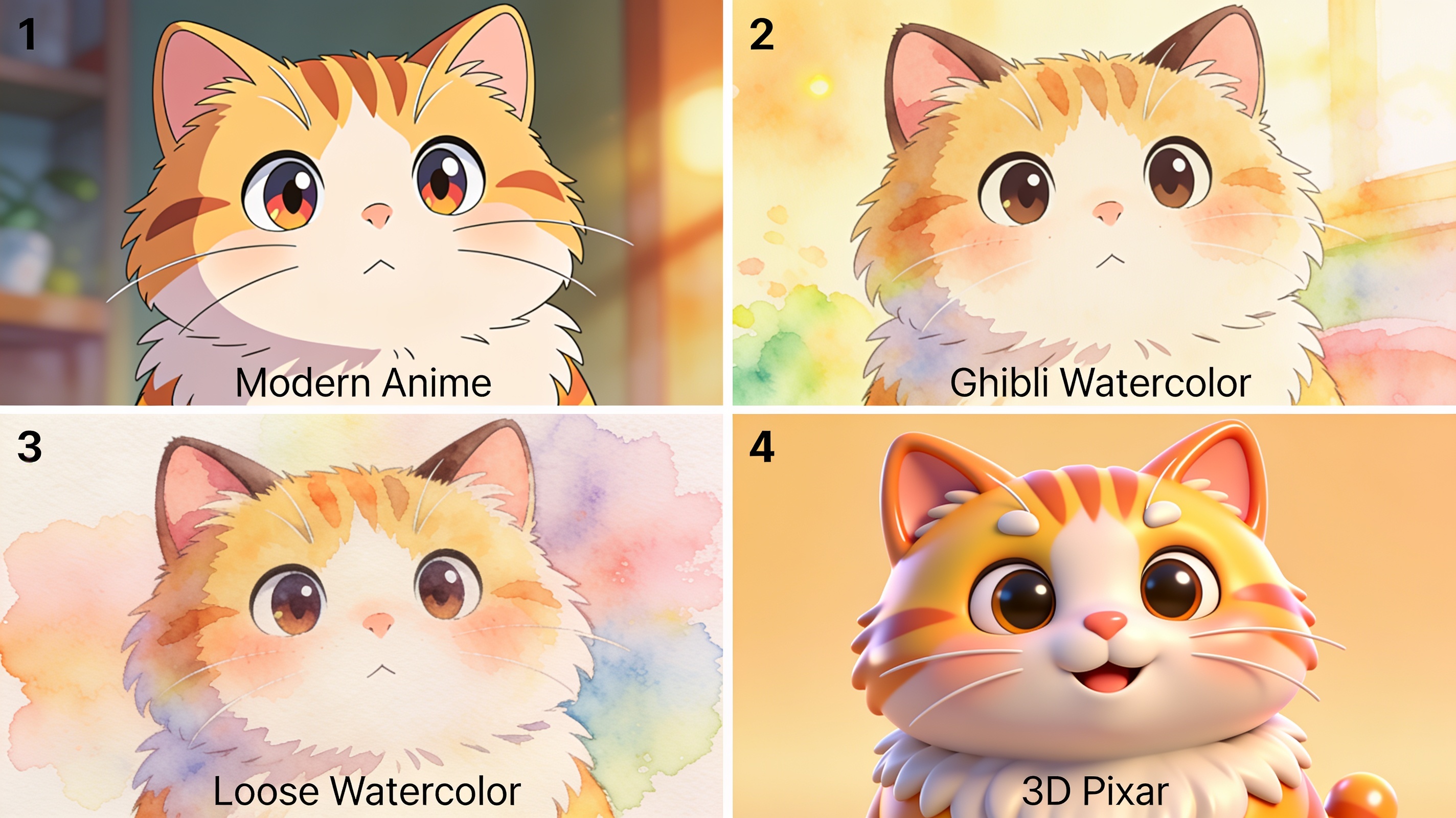
Upload a photo and describe a style — anime, Ghibli, watercolour, 3D. See how the shot transforms.
Your own photo as the basis
The most emotional scenario is stylizing your own shot: a portrait, a couple, a child, a pet. Here the network starts from your photo and redraws it in the chosen manner while keeping recognizability. A few tips:
- Take a clear photo with a clear composition — stylization inherits the original pose and frame.
- Adjust the "strength" of the style. Weaker — closer to the original; stronger — more art but less likeness. The truth is usually in the middle.
- Respect others' rights and style. "In the spirit" of an art movement is fine; passing off something generated as the work of a specific living artist or copying their signature is not.
Опрос
Which style is closest to you?
Проголосуйте, чтобы увидеть результаты
Ethics and common sense
There's a lot of debate around AI art: about authorship, about training on artists' work, about whether "it's art". A healthy position isn't maximalist: a neural network doesn't cancel artists but removes the technical barrier between the idea and the picture. Use it as a tool for ideas and personal creativity, don't claim someone else's style as "your brand", and remember the taste and the intent are still yours, not the model's.
The guide is read — what's next
You've travelled from "how a machine turns words into a picture" to controlling style, choosing a tool for the task and applying generation to work and creativity. The main takeaway is unchanged: the result is the quality of your description and the accuracy of your tool choice, not the magic of a particular service.
Images are just one of four "books". If it caught you — next door are the same kinds of breakdowns for other media:
- 🎬 Video generation — animate a photo, text to video, a talking avatar.
- 🎵 Music generation — Suno, your own song and beat from a description.
- 🎙 Speech synthesis and voice — voicing text, voice cloning.
Everything in this guide — generation, photo editing, styles — works in one chat, Twelver, like an ordinary conversation. A few generations are free after signing up.
Try it yourself
Everything in this guide runs inside Twelver
One chat for text, images, video, music and voice — no separate services or subscriptions.
Open Twelver chat