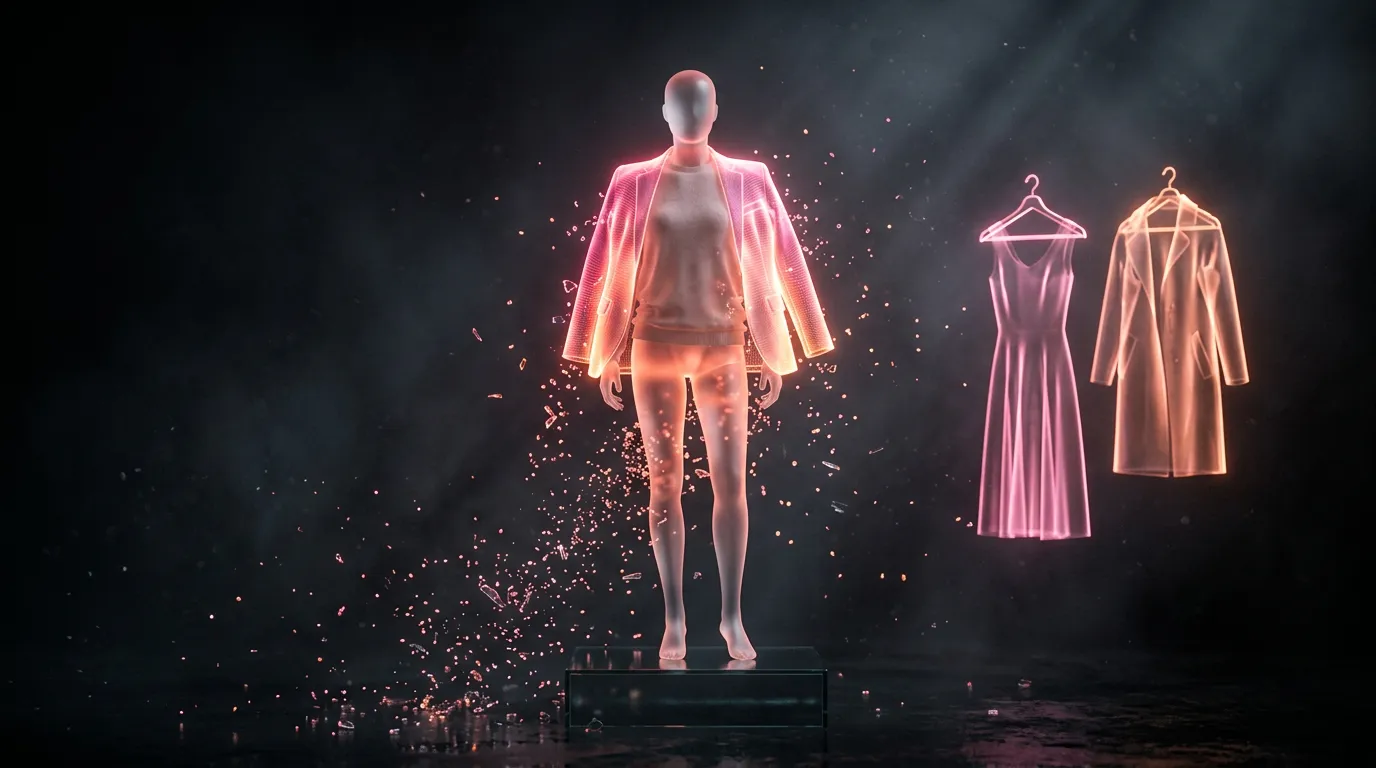
Change clothes in a photo with AI: new outfit, new colour, try before you buy
Upload a photo and say what to wear — “a classic suit”, “a summer dress”, “make the jacket burgundy”. The model redraws only the clothes, with folds and shadows, and keeps the face, hair, pose and background.


One Nano Banana 2 request: “instead of the sweater, a classic dark grey suit and a white shirt without a tie; keep the face, hair, smile, pose, background and light exactly the same”. The man is AI-generated and does not exist.
- Use a photo where the clothes are fully visible.
- Describe the item: what, colour, fabric, length; add “do not change the face, pose or background”.
- To try a specific item, attach its photo as a second file: “put the jacket from the second photo on me”.
One edit is about 67,000 tokens; the first visit gives 250,000.
Twelver will not undress people or put someone else’s photo into underwear: the model refuses such requests. See also trying hairstyles and the image generation guide.
Frequently asked questions
How do I change clothes in a photo for free?
Can I try on clothes from a photo?
Try it yourself
Everything in this guide runs inside Twelver
One chat for text, images, video, music and voice — no separate services or subscriptions.
Open Twelver chat