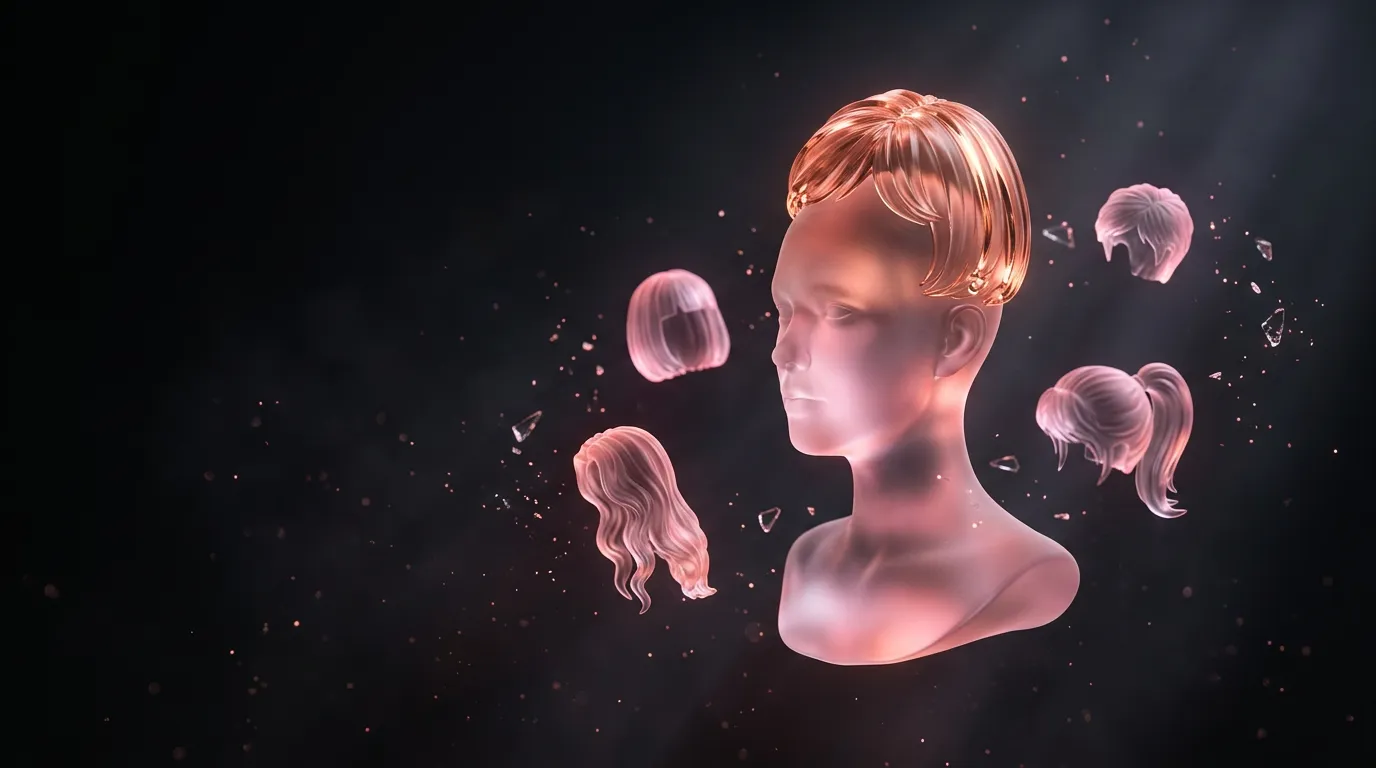
Try hairstyles on your photo online: haircut and hair colour with AI
Upload your photo and name the cut or colour you want to see — the model redraws only the hair and keeps your face, clothes and background. Compare a bob, long waves and bangs in a couple of minutes before you see a stylist.
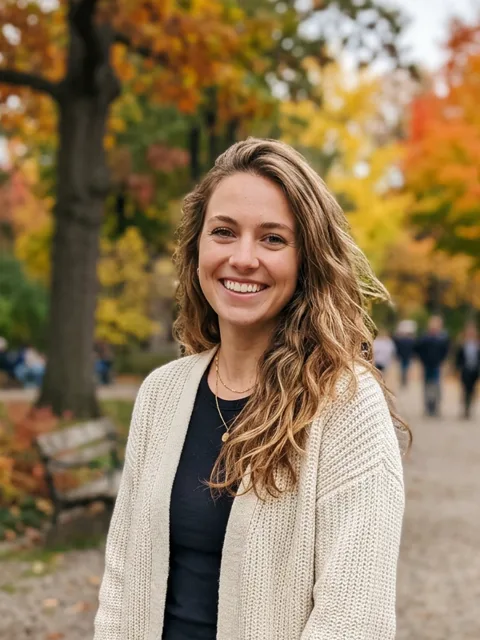
Original
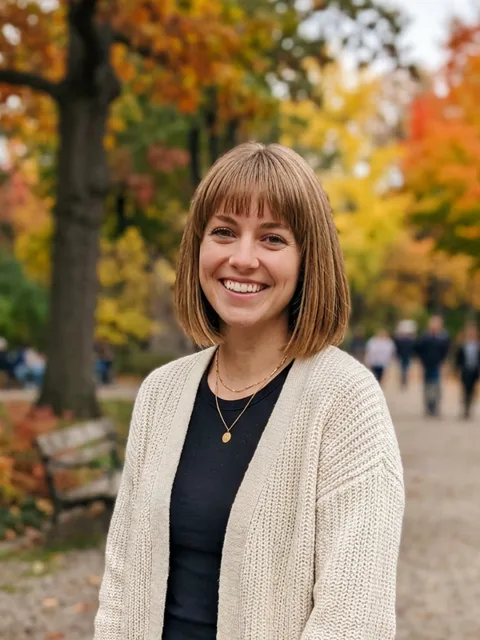
Bob with bangs
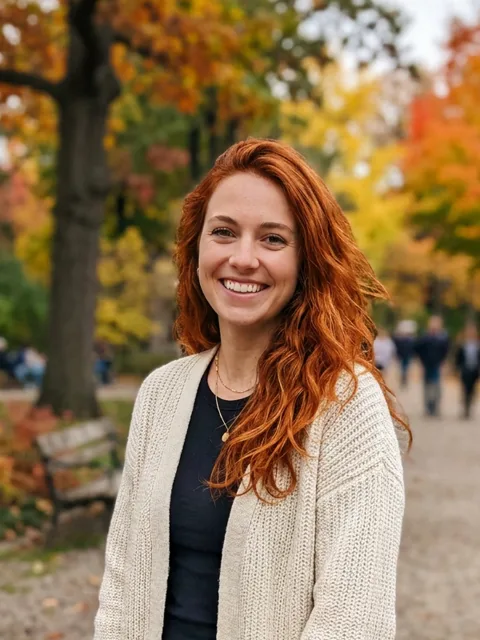
Copper red
Find a hairstyle for your face shape
Pick a face shape to see which cuts usually suit it. Then choose a cut and a colour to get a request for trying it on your own photo.
Face shape
Almost anything works — try short and long.
Cut
Colour
Request
Try this hairstyle on my photo (attached): a chin-length bob with straight bangs, keep my hair colour. Keep the face, features, makeup, clothes, background and light exactly the same — only the hair changes.
These are guidelines, not rules: a try-on shows more than any table. One try-on is about 67,000 tokens; the first visit gives 250,000.
How to try it on
- Use a front-facing photo with your face visible and good light.
- Attach it in the Twelver chat with Nano Banana and describe the cut: length, shape, bangs.
- Add “keep the face, makeup, clothes and background exactly the same — only the hair changes”.
- Make each new variant from the original photo, not from the previous result.
One try-on is about 67,000 tokens; the first visit gives 250,000.
See also changing a photo background and the image generation guide.
Frequently asked questions
How do I try hairstyles on my photo for free?
Will my face change?
Try it yourself
Everything in this guide runs inside Twelver
One chat for text, images, video, music and voice — no separate services or subscriptions.
Open Twelver chat