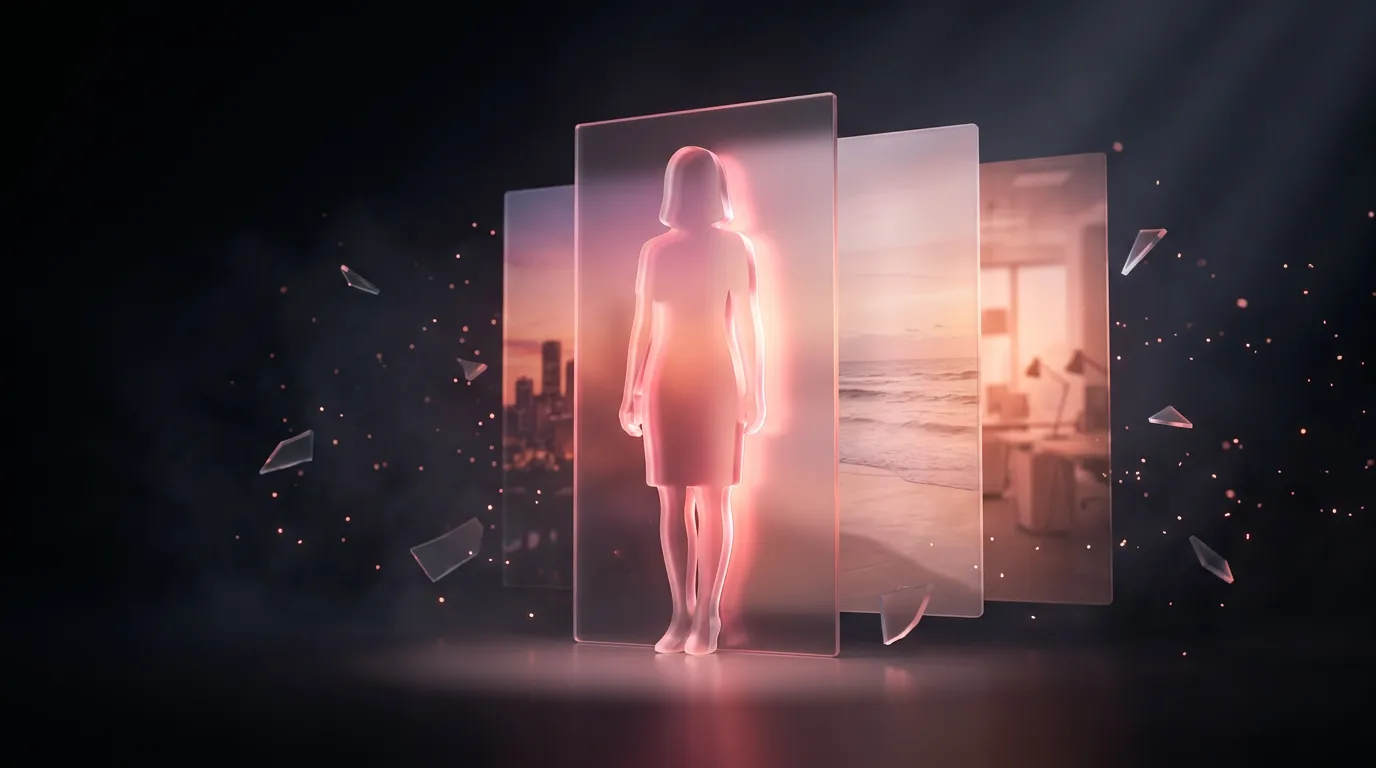
Change a photo background online with AI — without the pasted-on look
Upload the photo and say what background you want — “a bright office”, “the sea at sunset”, “plain white”. The model does not cut the person out and paste them onto a picture; it redraws the frame, matching the light on the face to the new place and rebuilding hair edges and shadows, so the result does not look stuck on.

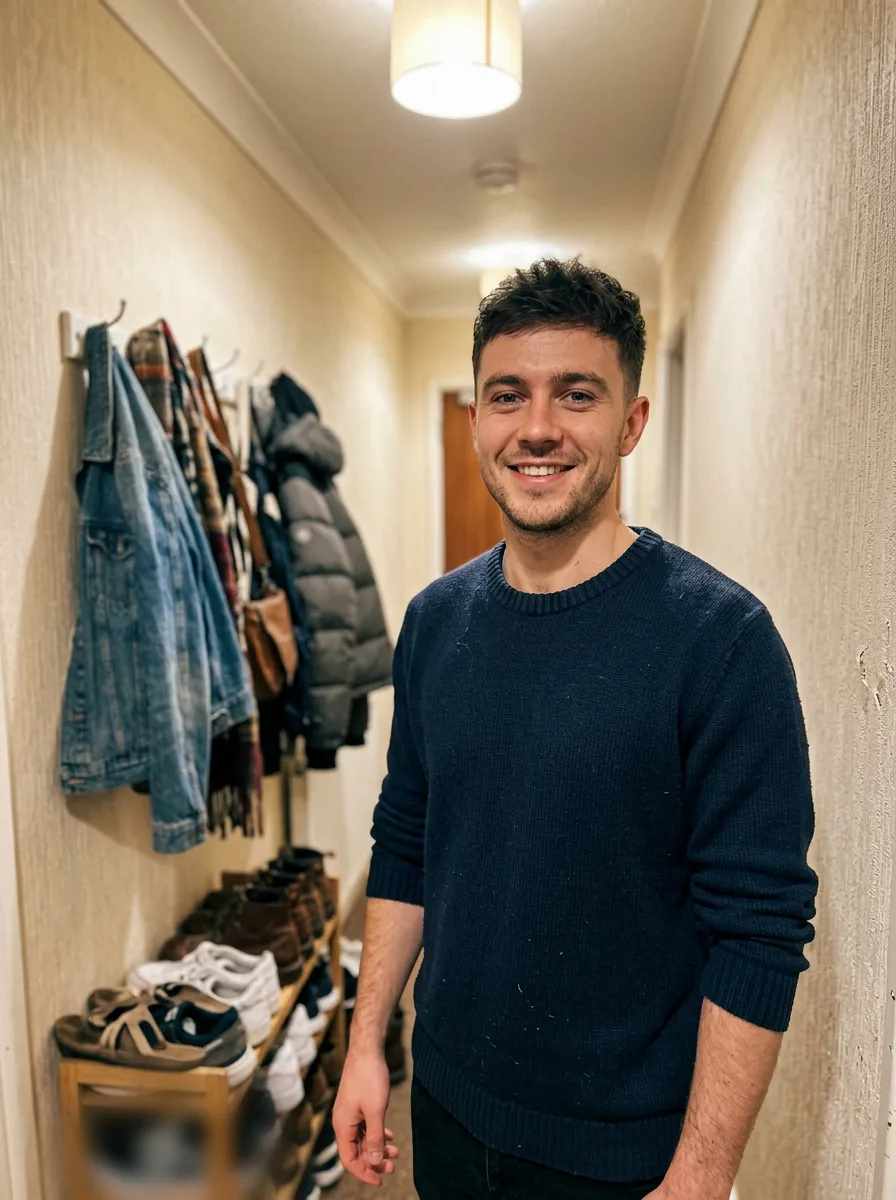
One Nano Banana 2 request: “replace the background with a bright modern office with large windows, softly blurred; keep the person, face, hair, sweater, pose and smile exactly the same; match the light to daylight from the window”. The source photo is AI-generated too: the man is not a real person.
How to do it
- Open the Twelver chat with Nano Banana in any browser. One edit costs about 67,000 tokens; the first visit gives 250,000.
- Attach the photo and describe the new background: place, time of day, light.
- Say what to keep: “do not change the face, hair, clothes or pose”.
- Refine in one line if needed: “lighter background”, “blur it more”.
Ready requests for a new background
2 prompts
White
Replace the background with plain white, no shadows on the background. Do not change the person or clothes.
Studio grey
Put me on a soft grey studio backdrop with a light gradient, like a professional portrait. Keep face, hair and clothes as they are.
3 prompts
Office
Replace the background with a bright modern office with large windows, softly blurred. Keep the person, pose and clothes; match the light to daylight from the window.
Beach at sunset
Move me to a beach at sunset. Same pose and clothes, warm sunset light on the face.
Blur the background
Keep the background but blur it strongly, like a portrait lens. The person stays sharp.
Need transparency instead of a new scene? See transparent PNG backgrounds. For video: changing a video background. All chapters: image generation guide.
Frequently asked questions
How do I change a photo background for free?
How do I make it not look pasted on?
Will the face change?
Try it yourself
Everything in this guide runs inside Twelver
One chat for text, images, video, music and voice — no separate services or subscriptions.
Open Twelver chat