
Remove an unwanted object from a photo
The perfect shot almost always has something spoiling it: a random passer-by behind you, wires over a landscape, a bin, a watermark, an ex in a group photo. You used to go to a retoucher for this; now a neural network removes the extra in seconds — and, more importantly, fills in what was behind the objectas if it had never been there.
How the network "fills in the emptiness"
The technology is called inpainting. You mark the area to remove — the network erases it and fills it with a plausible continuation of the background: it extends the wall, the grass, the sky, repeats the pattern. It doesn't "find" what was hidden behind the object — that's not in the photo — but synthesizes a natural continuation from what's around. So the more uniform the background, the more seamless the result.

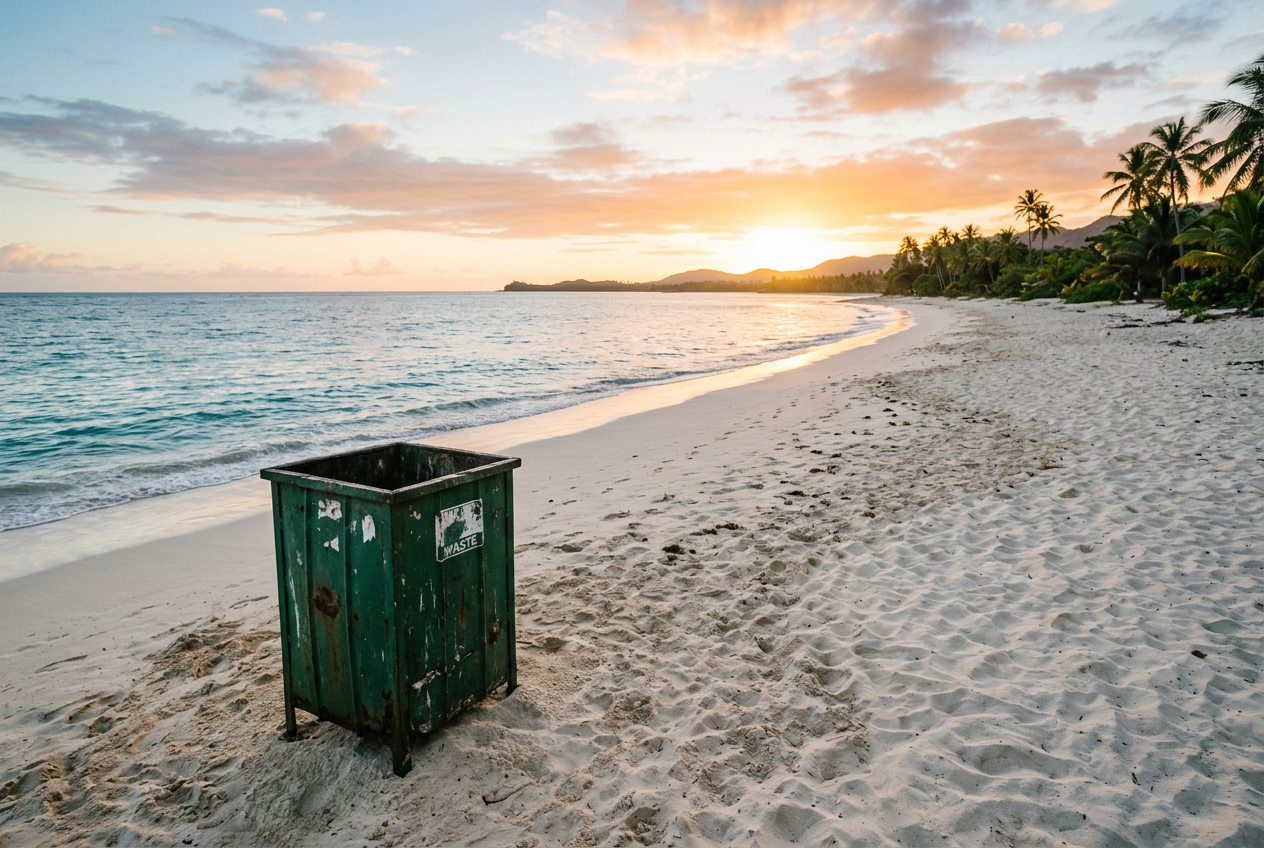
Upload a photo and in one sentence say what to remove — for example "remove the wires" or "delete the person on the left". The network removes the object and fills the background.
When it's easy, and when it's hard
Easy
Harder
The limit
What people usually remove
- Extra people — passers-by, tourists in the frame, an ex in a group photo.
- Technical clutter — wires, poles, signs, bins, flash shadows.
- Watermarks and logos — but carefully: removing a watermark from someone else's paid photo to use it for free violates rights. Do this only with your own images.
- Defects and stains — alongside restoring an old photo.
Опрос
What would you most often want to remove from photos?
Проголосуйте, чтобы увидеть результаты
A little pro trick
Object removal is almost always worth doing before upscaling and final sharpening, not after: then the filled area goes through the same finishing as the whole frame and doesn't stand out. And one more: if the fill came out uneven the first time — don't redraw everything, select only the problem fragment and repeat the inpainting on that spot.
What's next
That wraps up the section on working with photos. Next come practical "for business" scenarios, and we'll start with logos.
In the Twelver chat a photo for retouching is sent right into the conversation. A few operations are free after signing up.
Try it yourself
Everything in this guide runs inside Twelver
One chat for text, images, video, music and voice — no separate services or subscriptions.
Open Twelver chat