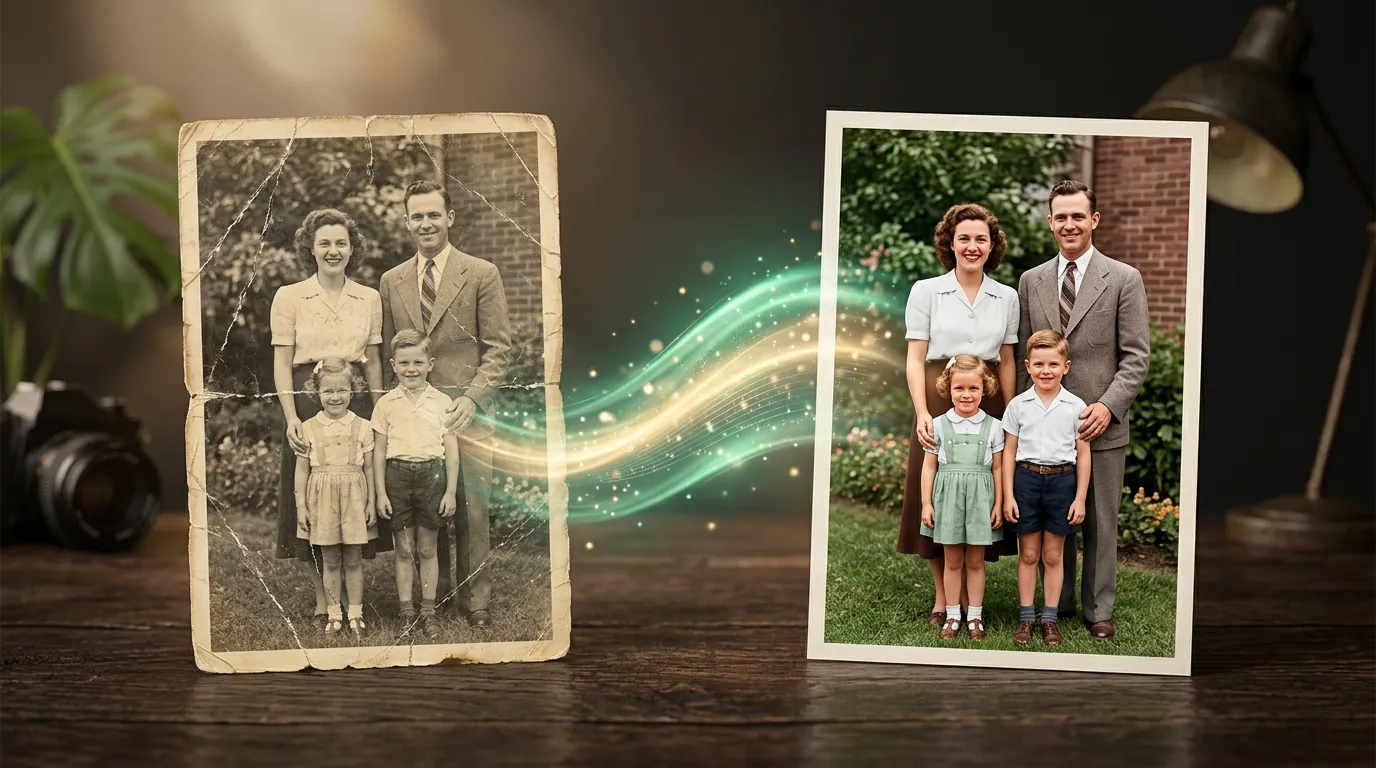
Improve and restore a photo with a neural network
An old shot from grandma's album — creased, faded, out of focus. A phone photo ruined by digital noise. A small picture you need to print big. These are all the same class of task: take an imperfect image and raise its quality. Neural networks do this strikingly well today, because they don't just "stretch" pixels but fill in plausible detail based on how similar objects look in reality.
Three different tasks people often confuse
"Improve a photo" hides several different operations — it helps to tell them apart, because their tools and expectations differ:
- Upscaling and sharpening. A small or blurry photo → large and sharp. The network builds up textures: skin, fabric, foliage. Ideal for printing and for sources that are too small.
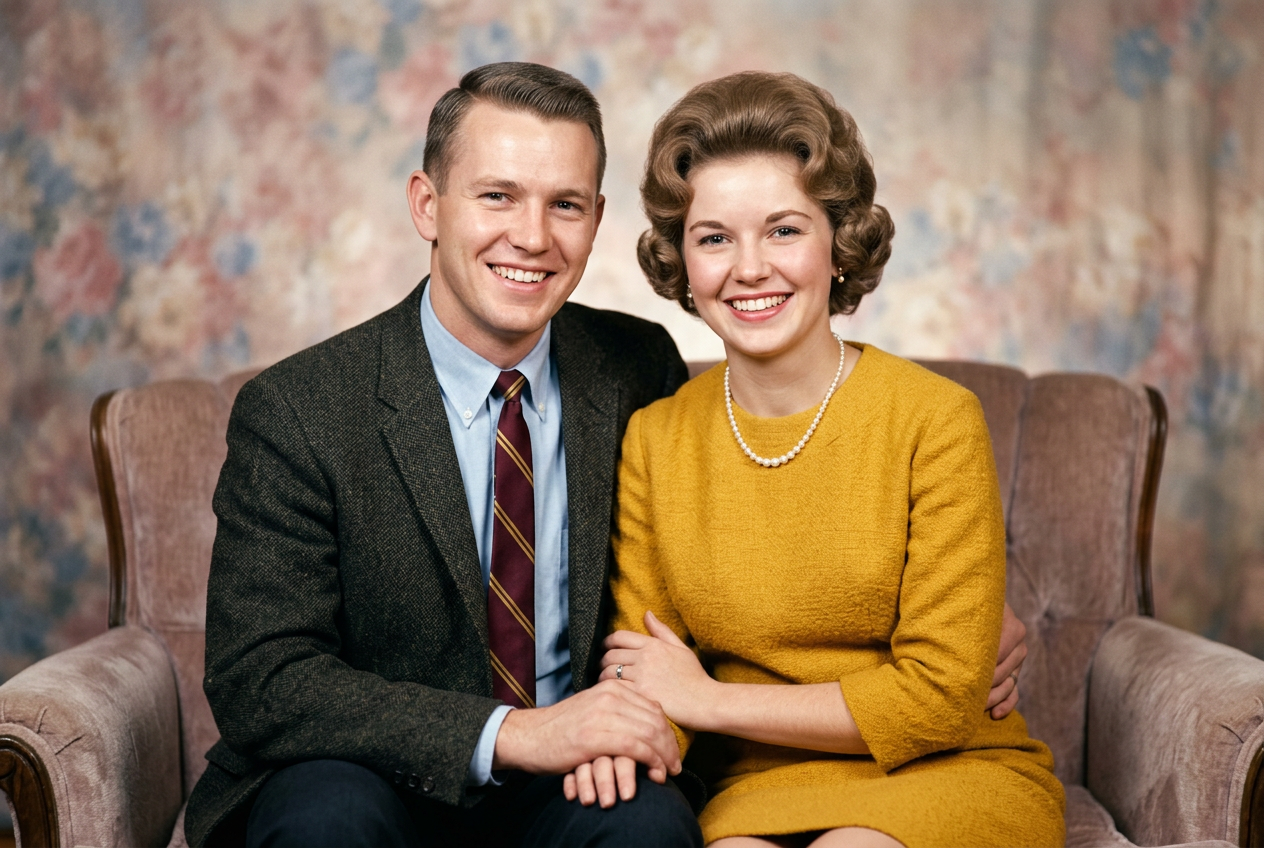
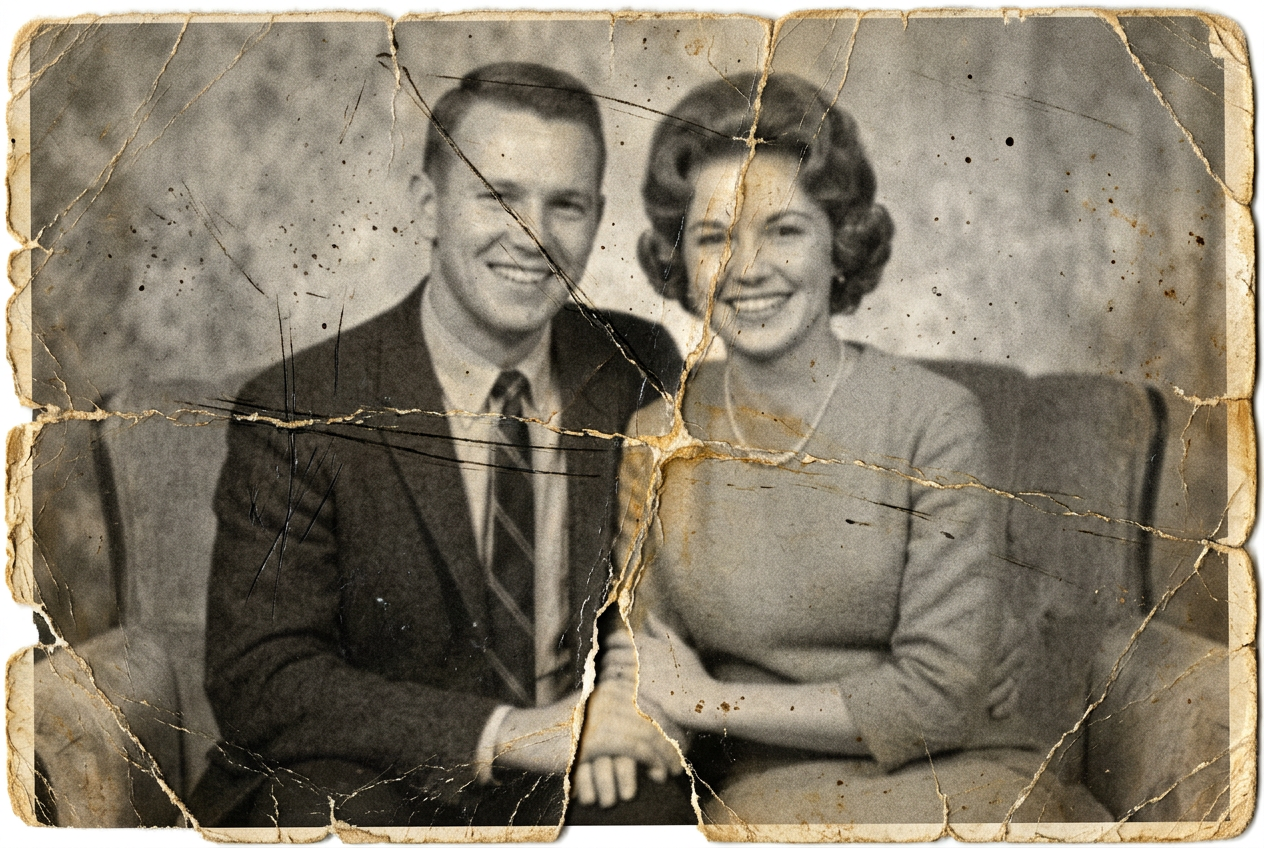
- Restoring an old photo. Remove scratches, creases, stains, recover lost areas. Here the network "patches" damage, guided by what survives around it.
- Colourizing black-and-white. Add plausible colour to an old shot. The colours are a reconstruction, not a fact, but the result often brings archival frames to life beautifully.
How to get an honest result
Improvement has a limit, and understanding it means not being disappointed:
- The network makes up what isn't visible. On a heavily blurred face it will restore a plausible face, but not necessarily the exact one. For family archives keep this in mind: features may "drift" a little.
- Don't overdo the sharpening. Too aggressive an upscale gives "plastic" skin and unnatural textures. A moderate mode often looks more believable than the maximum.
- Go from big to small. First restore damage, then upscale, and colourize last. The reverse order multiplies defects.
Upload your photo — old, small or noisy — and see what the network can pull out of it.
Why you need this — beyond nostalgia
Restoring family shots is the most touching scenario, but far from the only one:
- Marketplaces and listings. Raise the quality of a product photo so the card doesn't look cheap (more in cards for marketplaces).
- Printing. Bring a photo up to a resolution where it can be printed large without "stairs".
- Content. Save a good but technically weak shot — with blur or noise.
- Finishing generations. A final upscale of a generated picture to pull out detail.
What's next
Often, before improving a photo, you need to remove something extra from it — a random passer-by, clutter in the frame, a logo. That's the next chapter.
In the Twelver chat you can send a photo for improvement right into the conversation and get the result back. A few operations are free after signing up.
Try it yourself
Everything in this guide runs inside Twelver
One chat for text, images, video, music and voice — no separate services or subscriptions.
Open Twelver chat