Make an event poster with AI
A concert on Friday, a talk at the library, a café opening, a club tournament — the poster is needed by a deadline and there's no designer. A neural network can handle it, but only if you understand its weak spot. It's the text. Models draw pictures brilliantly, but the date, time and address come out wrong every other time: "20:00" turns into "20:0O", a letter goes missing from the title. On a poster that's a defect anyone sees at first glance.
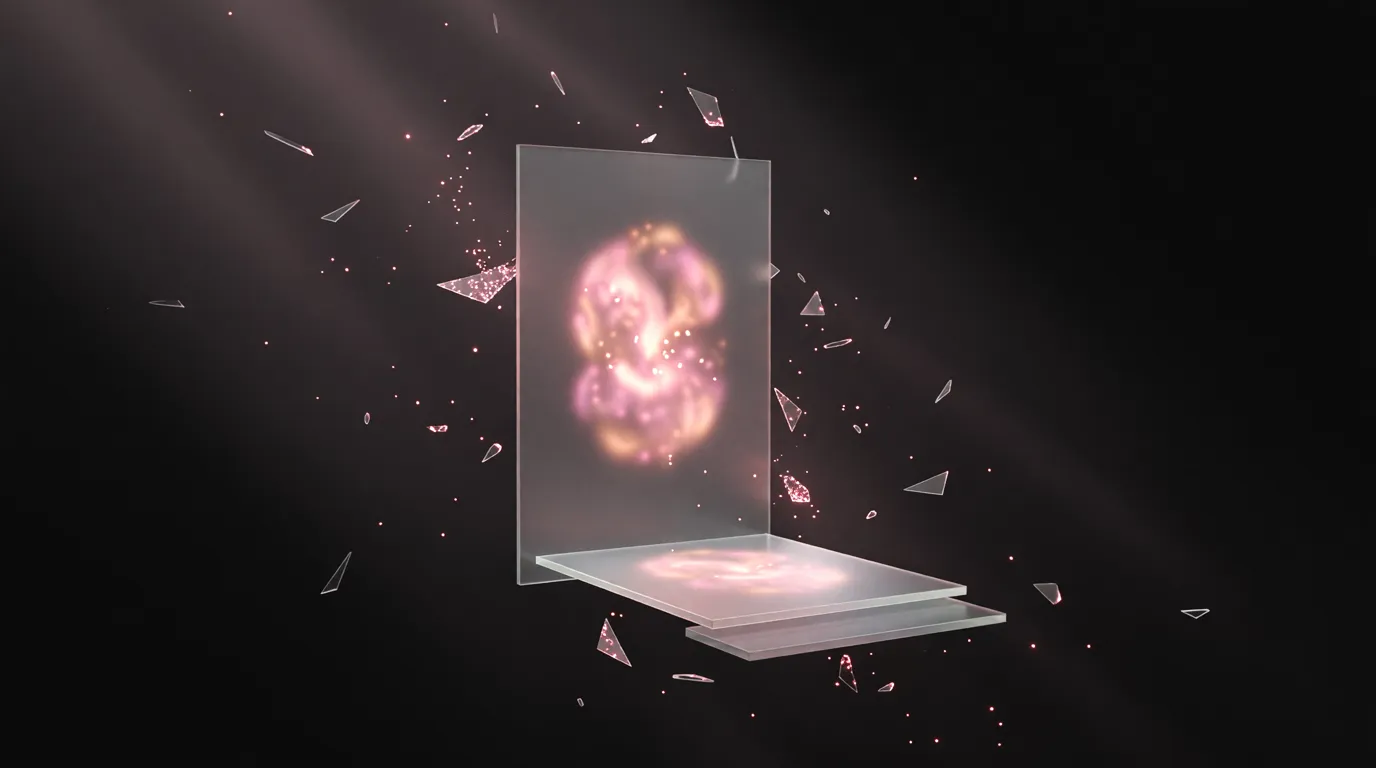
So here a poster isn't built as one generated picture but in layers: the network draws the background or illustration, and the title, date and venue are set as real text on top. Letters stay letters — no typos, sharp at any size and editable one word at a time.
What to write so the poster works first time
A good poster starts where a designer's does — with a brief. List:
- What the event is and its name — exactly as it should appear on the poster.
- Date, time, venue — on one line, no alternatives.
- The main image — "a saxophonist in smoke", "mountains and tents", "a close-up cup of coffee". Or upload your own photo: of the performer, the venue, the product.
- Mood and style — "night-time neon", "vintage typography", "minimalism on white", "bright and playful for kids".
- Where it will go — an Instagram or Facebook post, a story, an A4 or Letter print on a noticeboard. That decides the canvas format.
- What else is a must — ticket price, an age rating, a QR code, the venue's logo.
The brief is your template: save it once, and the next poster in the series is the same text with a new date. And the style ends up your own, not shared with everyone who opened the same gallery.
Describe your event — the designer will put the poster together right here.
How a poster is built: layers instead of one picture
Under the hood a poster is a fixed-size canvas with layers on it:
- The backdrop — one generated scene, your photo or just a gradient. A poster with strong typography doesn't need a picture at all.
- The main subject, if it has to move separately from the background, is cut out as a PNG with no background and placed on top. That way the performer can overlap the title instead of standing in a rectangle.
- The text — title, date, venue, the small print. All of it typeset in a font, not drawn.
If you can't avoid letters inside the picture itself — a sign in the shot, a slogan on a T-shirt, logo lettering — there are models that write text in images noticeably more cleanly than the rest. But the date and address are still safer set as text.
Every poster is checked before you see it
The model writes markup and you get a picture — and between the two it's easy to lose half a line. So every saved poster is immediately rendered in a real browser and measured: is text clipped at the edge, is there enough contrast for the lettering to read (the threshold is 4.5:1 — the same as in accessibility standards), is the title too small, is there a dead hole in the middle of the layout. If something turns up, the poster is reworked before it's shown.
If something is still wrong after several attempts, you're told plainly rather than handed the layout as finished.
Edits: the date changed — the picture isn't redrawn
The most expensive part of working with a neural network is edits, if each one means a new generation: everything else gets redrawn along with the background, and a poster you already liked drifts away. That doesn't happen here. "Moved to Saturday", "make the title yellow", "remove the age rating", "move the performer left" — these are edits to the text and layout on the same canvas, and the generated images stay the same.
For venues with a poster every week this is the main use case: one good poster becomes a series where only the date and the name change. Banners at exact sizes, video covers and thumbnails and track covers are built the same way.
Sizes: social media and print
| Where | Canvas | Final PNG |
|---|---|---|
| Instagram or Facebook post (portrait) | 1080 × 1350 | 2160 × 2700 |
| Square post | 1080 × 1080 | 2160 × 2160 |
| Story | 1080 × 1920 | 2160 × 3840 |
| US Letter print (300 dpi) | 1275 × 1650 | 2550 × 3300 |
| A4 print (300 dpi) | 1240 × 1754 | 2480 × 3508 |
The file is delivered at double pixel density, so the text stays sharp on a phone screen and on a printed sheet alike. Doubling works while the long side of the final file is no more than 4000 pixels; a larger canvas exports one to one, at its own size.
Printing: a 300 dpi PNG
The poster downloads as a PNG at print resolution — an office printer, a copy shop and digital printing take it without preparation. If a print house works with PDF in CMYK, give them this PNG for prepress or re-save it in an editor.
Where a neural network won't replace a designer
- A festival's brand identity with guidelines, a grid and a dozen formats is a system, not one poster. Here the network is good for finding a direction.
- Real performers' faces — don't generate them, upload a real photo. A generated look-alike on a concert poster deceives the audience.
- Other people's logos and characters on a commercial poster need the rights holder's permission, whoever drew them.
Frequently asked questions
How do I make a poster with AI?
Why does AI get the text on a poster wrong?
Can I make a poster for free?
What size does a poster need for printing?
Are there poster templates?
How do I change the date on a finished poster?
In the Twelver chat a poster is built in layers: the illustration from the network, the text in a real font, a browser check before you see it and edits without redrawing. Back to the image generation guide.
Try it yourself
Everything in this guide runs inside Twelver
One chat for text, images, video, music and voice — no separate services or subscriptions.
Open Twelver chat