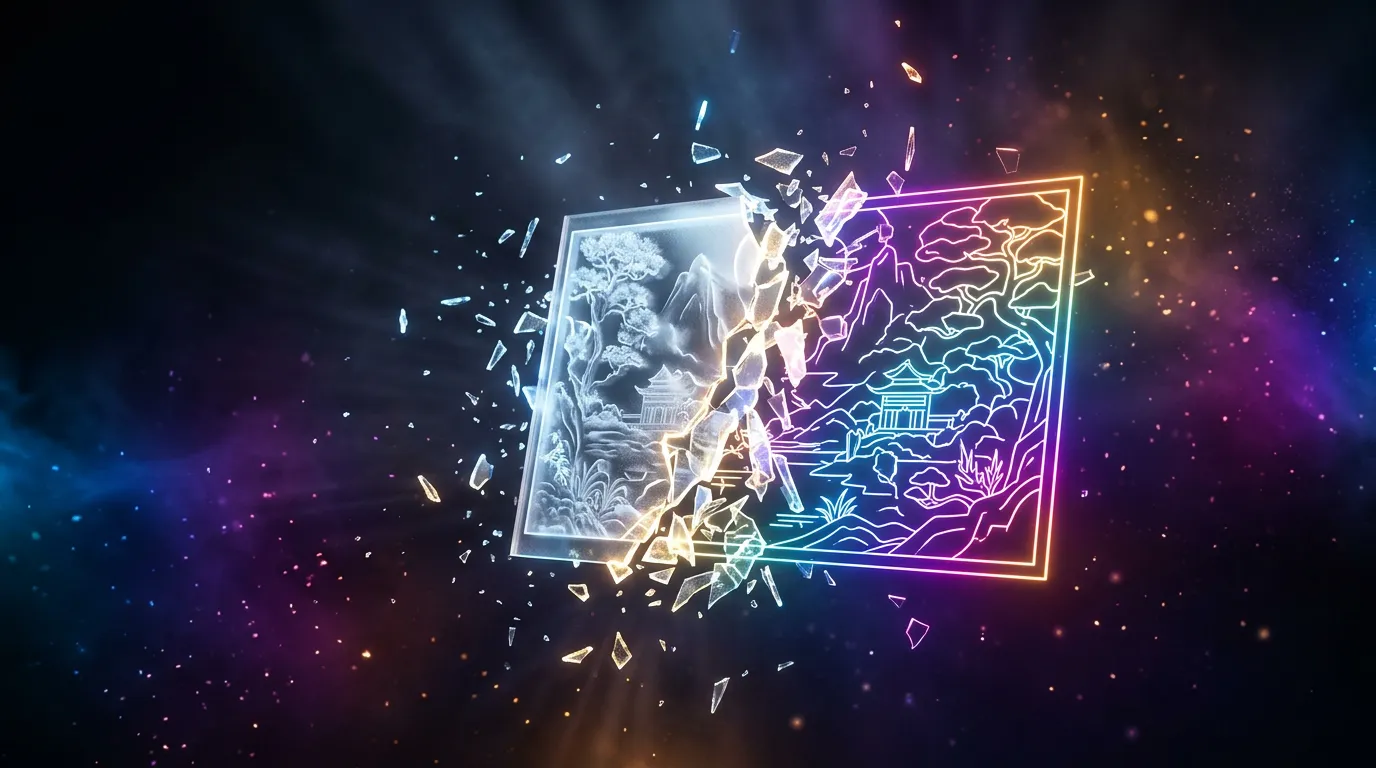
A coloring page from a photo with a neural network
A coloring page is a clean black-and-white outline with no fills that a child (or an adult — it's relaxing too) colors in themselves. A neural network makes one in two ways: it turns your photo into an outline, or it draws a coloring page from a description. The main thing is to get clear lines, not a grey half-finished picture.
From a photo or from a description
- From a photo. Upload a shot — a pet, a toy car, a portrait — and ask for an outline coloring page. A sharp photo with a clear subject works best.
- From a description. "Coloring page: a dinosaur in the jungle, big details for a toddler" — when you want a scene that isn't in any photo.
Describe the coloring page or upload the photo you want turned into an outline:
Ask for line weight that fits the age
Before printing
For printing, ask for a portrait or square format and a white background with no frame. If grey patches are left on the outline, ask for "black lines on white only, no halftones". Black-and-white photos, on the other hand, can be colorized and restored — that's the opposite task.
Frequently asked questions
How do I make a coloring page from a photo with a neural network?
Can I make a coloring page online for free?
How do I make a coloring page that fits a child's age?
How do I get rid of grey patches and get a clean outline for printing?
You can make a coloring page from a photo or a description right in the Twelver chat. Starter tokens arrive on your first visit, and signing up adds more.
Try it yourself
Everything in this guide runs inside Twelver
One chat for text, images, video, music and voice — no separate services or subscriptions.
Open Twelver chat