
A neural network for product cards on marketplaces
For a seller on Amazon, Etsy or eBay, the photo is money. A good listing lifts click-through and conversion; a bad one sinks the product even at a low price. You used to go to a studio for selling photos: rental, a product photographer, a retoucher, days of waiting. A neural network compresses that to a couple of hours and almost zero budget — which is exactly why "a neural network for a marketplace" has become one of the most practical uses of image generation.
What exactly the network can cover
Not one task, but almost the whole visual of a listing:
- Product on a clean background. Shoot the product on a phone → the network removes the background, evens the light, places it on a neat "studio" backdrop.
- Product in a setting/context. Put a lamp in a stylish room, tableware on a set table, without actually shooting the scene.
- Infographics. Those cards with callouts "hypoallergenic", "3-year warranty", icons and text — the thing that really affects conversion.
- Improving existing photos. Raise the quality of weak shots (see improve a photo), remove clutter from the frame (remove an object).
- Model with the product. Show clothing and accessories "on a person" without shooting a model.
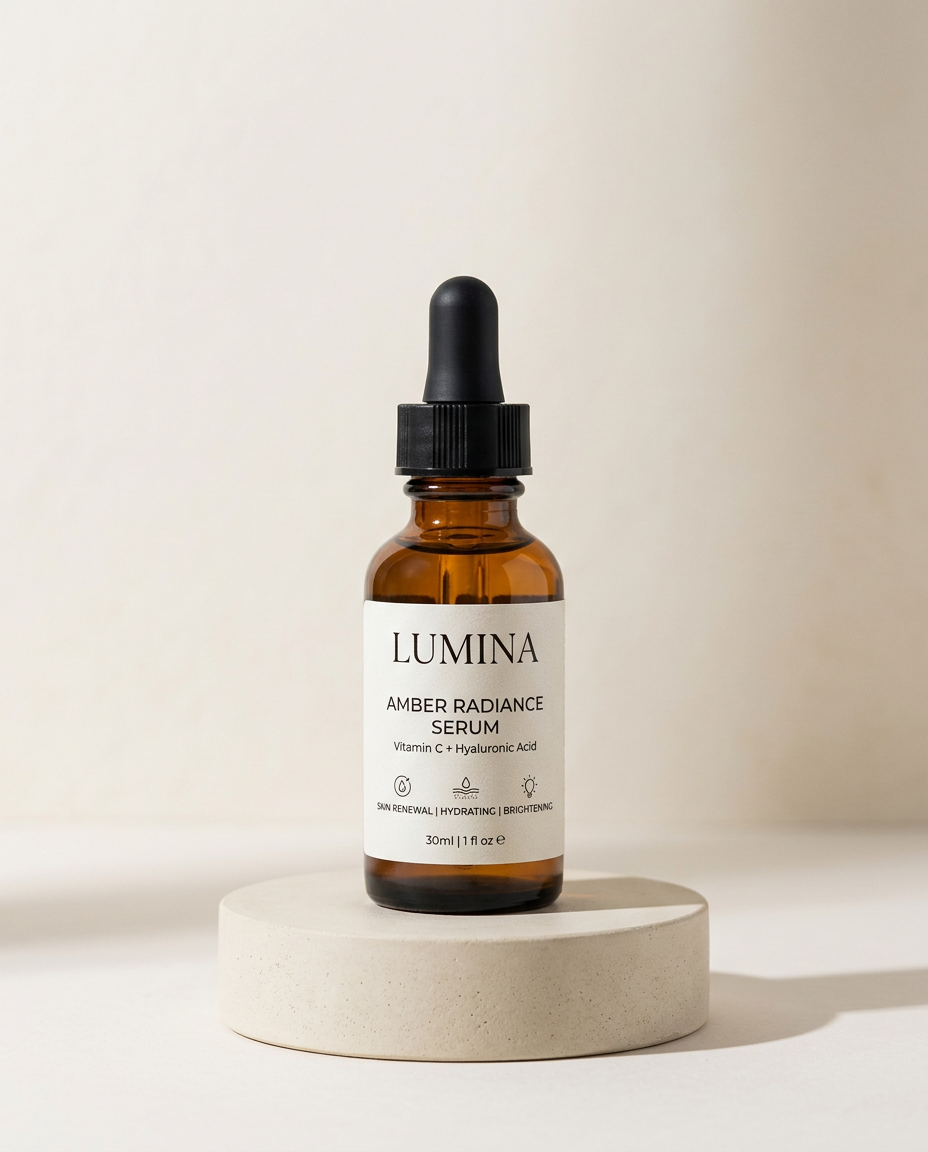
Upload a phone photo of the product — get a version with a clean background and callouts, ready for a listing.
Where the network is careful — and where the law is
Two important limits worth knowing in advance:
- The product must stay truthful. You can't "draw in" properties that aren't there: extra contents, a non-existent colour, an embellished size. That's not only a risk of returns and bad reviews, but also complaints from the platform and advertising law. The network improves the presentation, it doesn't substitute the product.
- Text on infographics. Remember models' weakness with letters: it's more reliable to add captions on a card as a separate layer/font or with a model strong at text, rather than trusting the generator blindly.
A product-card checklist for marketplaces
What belongs on the main photo and in the gallery, which callouts lift conversion, platform requirements for size and background.
Входит в подписку
How much it saves
A rough but telling tally: a studio product shoot of a line of 10 items means hours of rental, a product photographer and retoucher, several days of waiting and a noticeable budget. The same 10 cards with a neural network are an evening's work and the cost of a subscription. For a seller who regularly adds new items, that's not a one-time saving but an ongoing line that used to eat into the margin.
Опрос
How much do you currently spend on the photo for one card?
Проголосуйте, чтобы увидеть результаты
What's next
We'll close the guide with its most creative chapter — styles and AI art: anime, Ghibli, illustration, and how to deliberately control a picture's "artistic handwriting".
In the Twelver chat a product photo is processed right in the conversation: remove the background, place it in a scene, improve the quality — without a studio or separate apps.
Try it yourself
Everything in this guide runs inside Twelver
One chat for text, images, video, music and voice — no separate services or subscriptions.
Open Twelver chat