Photo to video: from one still and from several
A search for “photo to video” usually means not “animate this frame” but “make me a video out of this”. The difference matters: one still gives one clip of a few seconds, and anything longer is assembled from several. This chapter covers how each of the three routes works and why putting the finished video together costs nothing.
Route one: one photo, one clip
The basic case. Your photo becomes the first frame, the model builds the rest, and the aspect ratio comes from the file itself. The length is 4 to 15 seconds in whole seconds, and the sound is created together with the picture.
The limit to understand here: one photo will not give you a ninety-second video. Not because you cannot order more, but because after five or six seconds the model starts inventing ways to fill the frame, and a second movement nobody asked for appears in the clip. A long video from photos is made differently: not as one long clip, but as several short ones.
Route two: two photos, a transition between them
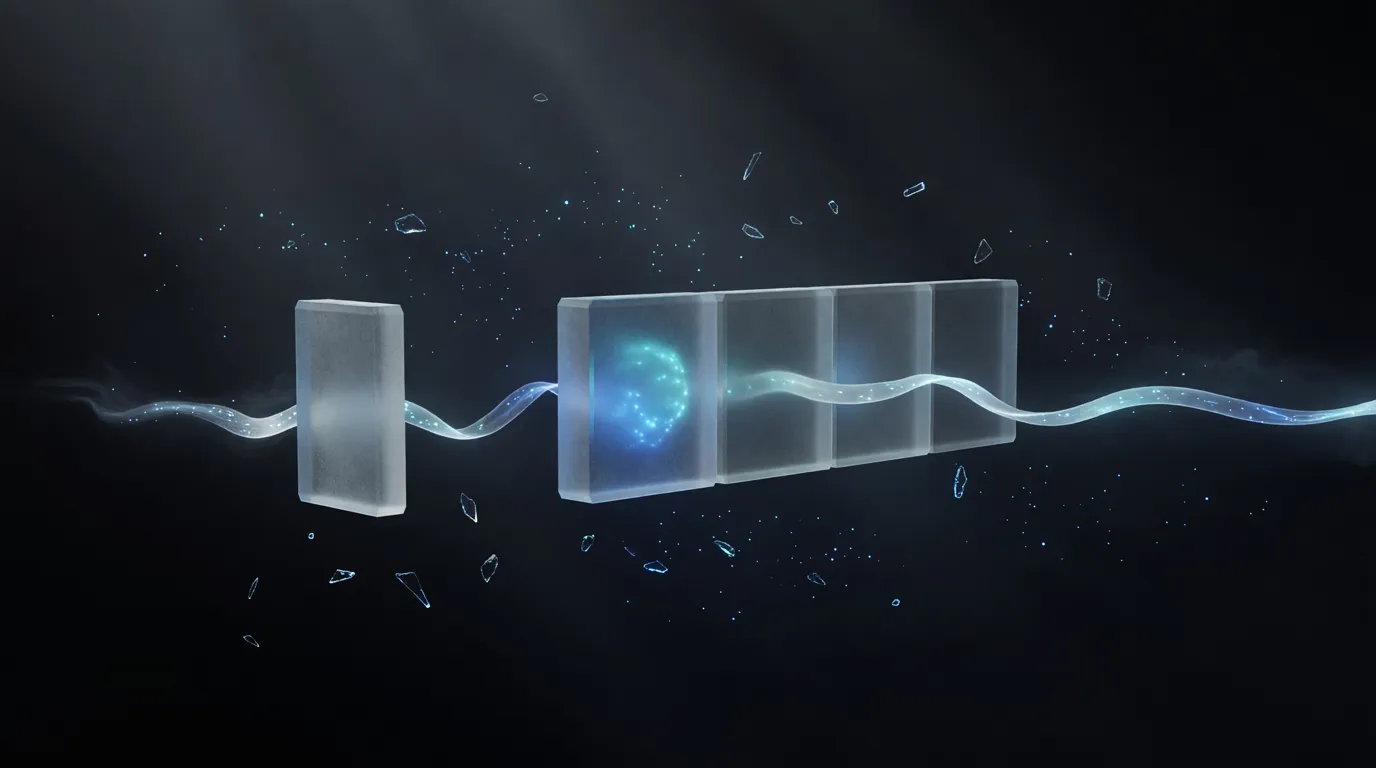
A capability almost nobody knows about, because the one-button “animate” tools never have it: you can set not just the first frame but the last one too. The model invents the motion so that it lands exactly on your second photo.
What this gives in practice:
- Before and after: an empty room and a furnished one, a building site and the finished house, a face before and after a haircut.
- Two angles of the same object: instead of an orbit the model invents on its own, you set both end points.
- Two frames from the same series: what used to be “pick one shot out of twenty” becomes motion between them.
The route’s main strength is that you set both ends, so the only thing the model can spoil is the middle.
Route three: several photos, one assembled video
This is where people stumble most often. A video from several photos is not made with one request but shot by shot, and then put together into one file.
One clip at a time, and it is not nitpicking
Do not ask for several clips in one message. If such a turn is interrupted midway, the work is still billed and the result is lost: 11.5% of all generated video has been paid for and never shown to the user exactly this way.
The right order: first agree a list of 3–6 shots, then generate them one at a time, looking at each result.
And the second thing worth asking for out loud:
Ask for it to be put together into one file
Joining clips, trimming, adding music and fitting the result to the format you need are local operations with no price of their own. You only have to ask.
It is worth knowing because people rarely ask: of 181 conversations that generated two clips or more, only 44 joined them. The rest paid for several clips and took home a pile of files.
How to keep the same character in every shot
The most common way a series goes wrong: three clips generated from three descriptions, with a different person in each. That is not a glitch but a direct property of generating from text: it has no character consistency, and two clips from one description are two different people.
What works:
- Start from a frame, not from text. One photo of the character is animated first, and the same photo is then used as the reference for every later shot.
- Repeat the character’s description word for word. Do not retell it in your own words in every shot: copy it.
- Frame each last frame so the next shot can start from it. Then there is no jump at the cut.
What it costs
You pay for seconds of generated video. So a video made of five four-second shots costs exactly what twenty seconds of generation costs, with nothing on top for putting them together into one file.
What length costs, and what resolution costs
Billing is per second: a clip costs exactly as many times more as it is longer. These are ratios, not prices; ask the chat for the exact figure in your tokens before it generates.
Resolution
×1.3
compared with the cheapest option: 4 s at standard resolution
One complete movement with a start and an end. The working length for an animated photo: go longer and the motion starts to repeat.
Which leaves one rule for saving money: start with the shortest clip at standard resolution, and only if you like it, make the same shot longer or sharper. Upscaling a clip you like costs less than half of a fresh 2K generation, and the test plus that upscale add up to exactly what generating in 2K from the start would cost, so the test is free in the end. Trying an idea out on a long clip is the most expensive way to learn that it does not work.
Attach a photo, or two at once if you want to set a transition.
What to read next
The general mechanics and the difficulty ladder: animate a photo with AI. The dose of motion within one shot: animating a photo. If a voice has to be heard in the video: a talking photo. And generating video from scratch, without a source photo, is covered in the neighbouring chapter text to video.
Frequently asked questions
How do I make a video from a photo with AI?
Can I make a video from several photos?
Can I set the first and the last frame?
Why is the person different in different clips?
How long a video can I get?
Why not ask for several clips in one message?
In the Twelver chat you can turn photos into one assembled video, one shot at a time, with sound, and join them at the end at no extra charge. Your first clip is earnable without paying: sign up, complete five first tasks and come back on the second and third day.
Try it yourself
Everything in this guide runs inside Twelver
One chat for text, images, video, music and voice — no separate services or subscriptions.
Open Twelver chat