How to write prompts for image generation
A prompt is the text description a neural network uses to create a picture. It sounds simple, but this is exactly where the line runs between "wrong again" and "exactly what I wanted". The good news: writing prompts is a skill, not a talent. It breaks down into clear techniques you can pick up in one evening.
The main principle: you dictate, you don't hint
A neural network doesn't guess your intentions or fill in "what's normal". Anything not in the prompt it decides for you — at random. So rule number one: say out loud what matters. Don't like that the background is different every time? Describe the background. Need a specific angle? Name it.
Compare:
- ❌ "a cat" — you'll get a random cat in a random setting.
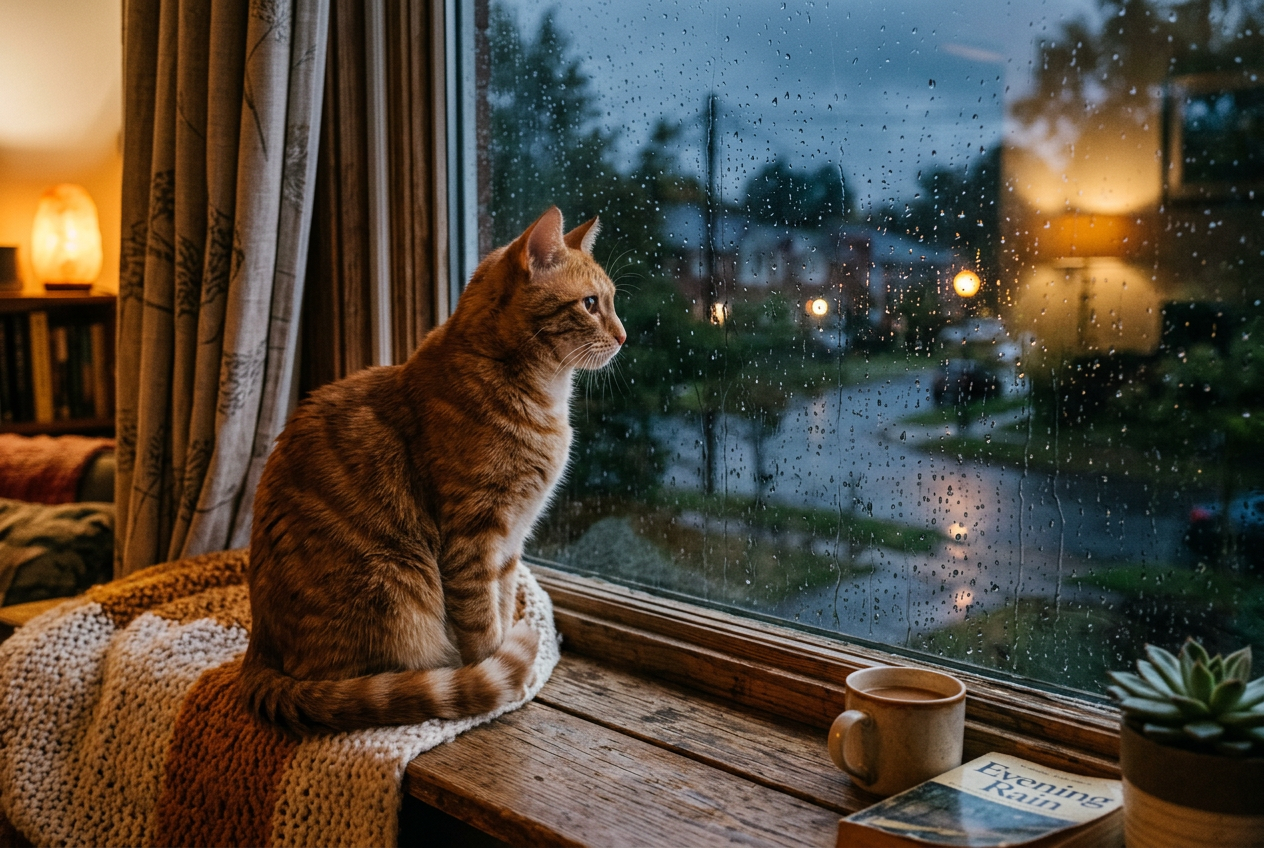
- ✅ "a ginger tabby cat sits on a wooden windowsill, looking out the window, rain outside, soft evening light, photograph, side view" — you'll get roughly what you pictured.
A formula that almost always works
Keep five blocks in mind. Not all at once, but the more you fill in, the more precise the result:
- Subject — who/what is the focus. "A young woman in a red coat".
- Surroundings and action — where and doing what. "walking along an autumn embankment, umbrella in hand".
- Style and technique — photo, illustration, 3D, anime, oil, watercolour. "cinematic photograph".
- Light and atmosphere — "golden hour, warm diffused light, light mist".
- Frame and details — angle, shot size, lens, colours. "medium shot, shallow depth of field".
Build your prompt with this formula and test it right here — see what's still missing for the result to become predictable.
Style decides more than it seems
One word of style changes a picture more than a dozen tweaks to the subject. "A portrait of a girl" as a photograph, anime, oil painting and 3D render is four completely different images. So set the style deliberately and specifically: not just "beautiful", but "in the style of a film still", "like an illustration in a children's book", "studio product photography". A whole chapter is devoted to styles for specific tasks — AI art and styles.
What NOT to do
- A dump of buzzwords. "4k, 8k, ultra detailed, masterpiece, trending" barely helps in modern models and sometimes drags the picture into tasteless "gloss". One precise description beats ten loud adjectives.
- Contradictions. "Minimalist but with lots of detail" — the model gets confused and picks something vague and in-between.
- A prompt that's too long. Past a certain length the model starts to "lose" the beginning. Remove everything that carries no meaning.
- Describing what should NOT be there in plain text. "No people" can, on the contrary, pull people in. For exclusions many services have a separate field (a negative prompt) — use it.
Iteration is the norm, not a failure
Professionals almost never get the final on the first try. The working cycle is: write a prompt → generate 2–4 variants → pick the closest → change one thing in the prompt → repeat. Change one parameter at a time — that way you know what affected the result. Three or four rounds and the picture "ripens".
A library of 50 ready prompts
For common tasks: portrait, product shots for a marketplace, logo, avatar, banner, anime art. Copy → drop in your own → done.
Входит в подписку
Which prompt is more likely to give a predictable result?
What's next
You've mastered the main skill. From here the result also depends on the tool: different neural networks "understand" the same prompt differently. Let's work out which to choose for your task.
In the Twelver chat a prompt is written like an ordinary message, and several models are available in one place — handy for comparing how each understands your description.
Try it yourself
Everything in this guide runs inside Twelver
One chat for text, images, video, music and voice — no separate services or subscriptions.
Open Twelver chat