
Image
Grok Imagine Image 2.0 in Twelver: xAI’s new generation of images
We’ve moved Grok image generation to Image 2.0, the new generation of xAI’s model. There is nothing to reconfigure: the same tools and formats, a different picture.
What’s new
- More photographic: light, textures and materials look like a photo, not a drawing.
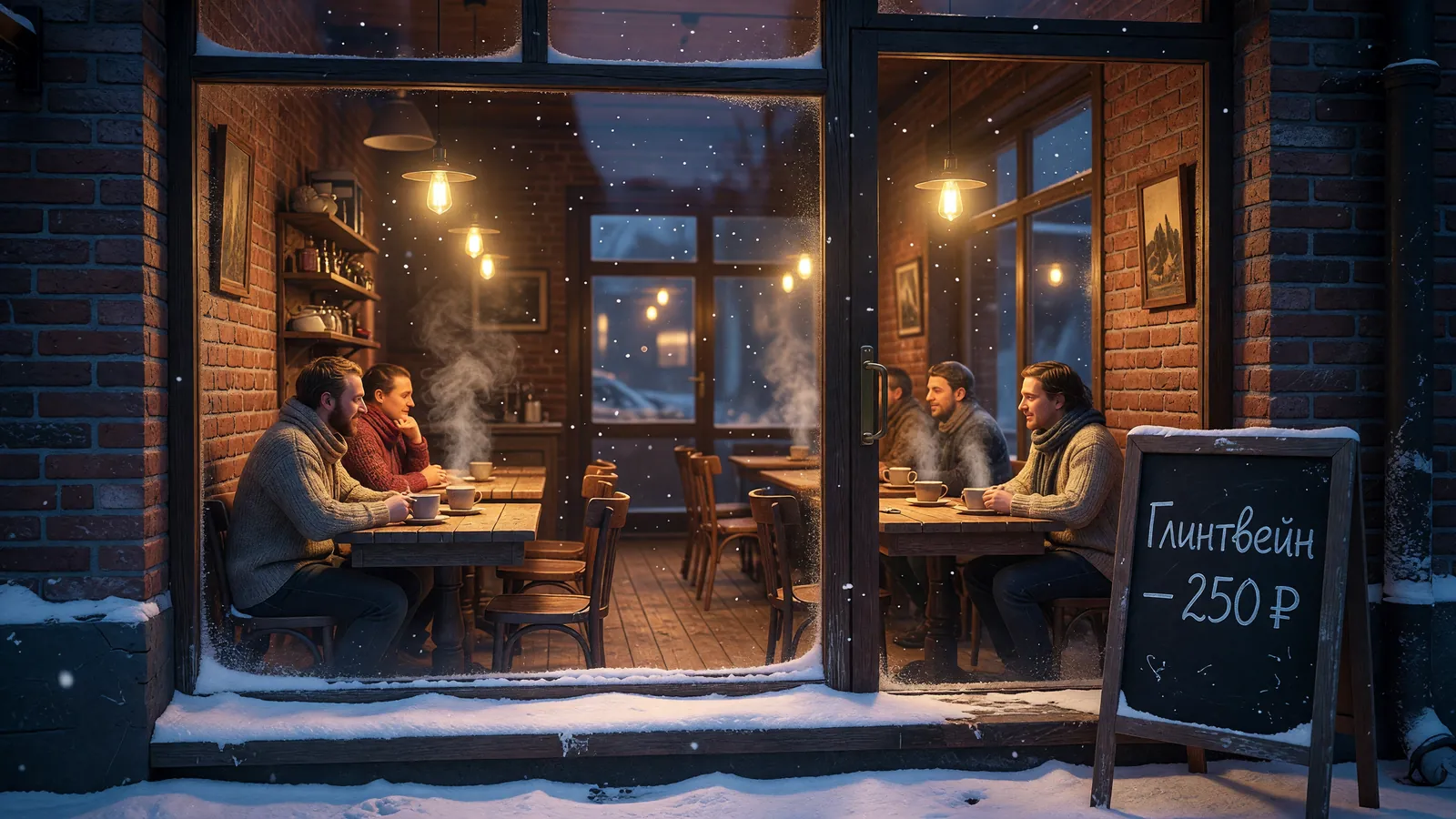
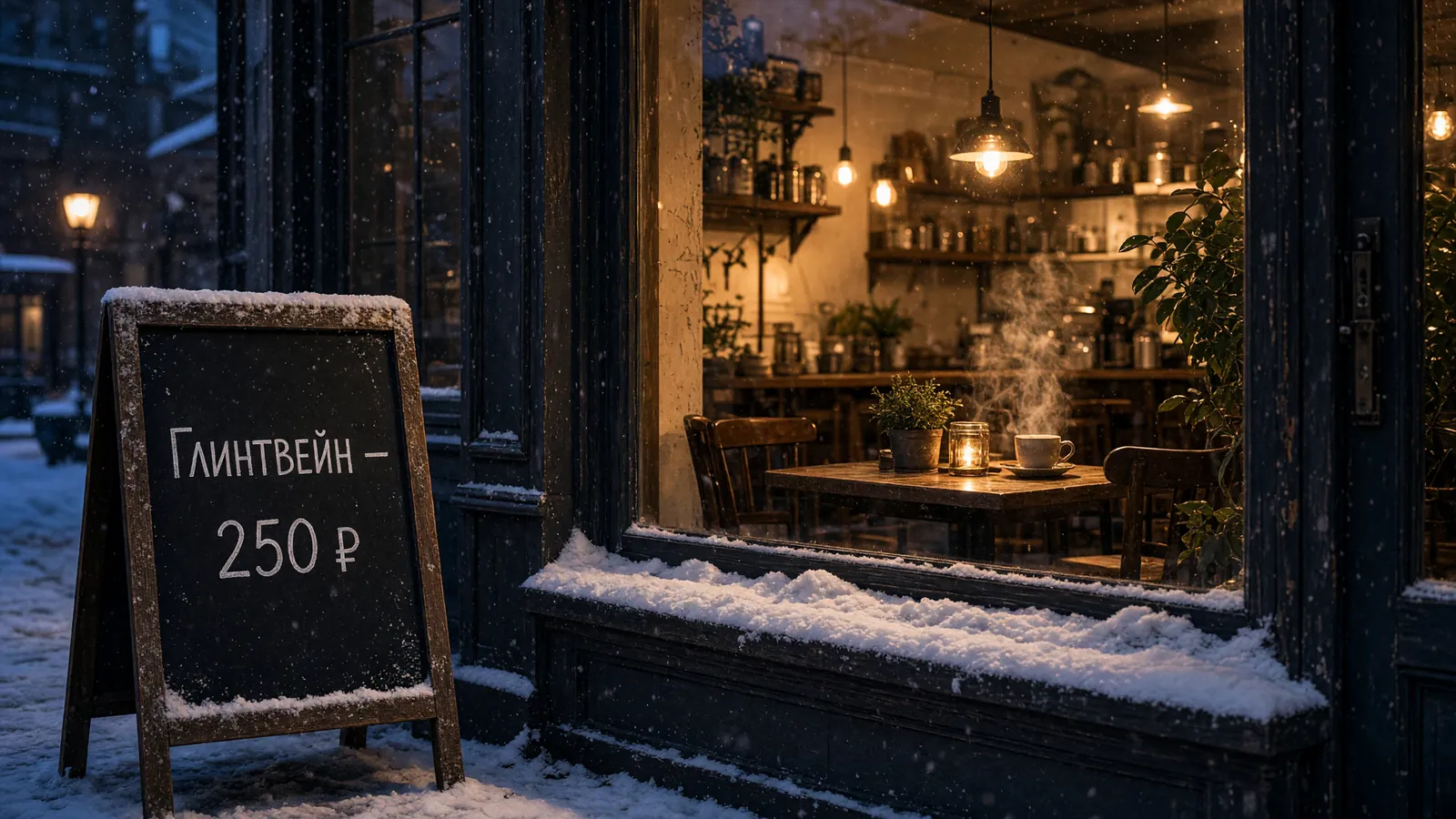
- Lettering in the image, Russian included — like the chalkboard in the example below.
- Editing a shot keeps the source proportions — handy for moving a product from the studio into a room.
- One frame built from two to five photos.
- 1K for trying ideas, 2K for the final.
At a glance
| Detail | Value |
|---|---|
| Model | Grok Imagine Image 2.0 (xAI) |
| Replaces | Grok Imagine Image |
| Modes | From text · edit a shot · combine 2–5 photos |
| Resolution | 1K, 2K |
| Aspect ratios | 1:1, 2:3, 3:2, 3:4, 4:3, 9:16, 16:9, 21:9 |
| Where in Twelver | Chat · MCP server |
One prompt, two versions
Both frames were made in Twelver from the very same prompt: first the previous Grok Imagine, then 2.0.
From the studio into a room
A product photo of a mug on white and one sentence: “Put this mug on a wooden table by a window, morning light, an open book and a sprig of eucalyptus beside it.” The frame stayed portrait, like the source.

One more example — a cat and the same mug combined from two photos into one scene — and a window with the model itself are in the Grok chapter.
Frequently asked questions
What’s new in Grok Imagine 2.0?
It is the new generation of xAI’s image model: frames look more photographic — light, textures, materials. The abilities are unchanged: an image from text, editing a shot and building a frame from two to five photos, at 1K or 2K. Before-and-after examples are in the Grok chapter.
How do I try Grok Imagine 2.0?
Open the Grok chapter — it has a window with the model itself, and your first try needs no sign-up. You can carry on in Twelver chat.
How much does a Grok Imagine 2.0 image cost?
2K costs about half as much again as 1K, and an edit costs more than a fresh generation, since each source photo adds a fee. Try ideas at 1K and switch to 2K for the final. Current prices are on the image generation page.
Do I need an X subscription or an xAI account?
No. The model is connected through your Twelver account, with no separate xAI sign-up.
Can I call Grok Imagine 2.0 from Claude or Cursor?
Yes, over MCP: Grok image generation is available over MCP in Claude, Cursor and other clients — see the MCP page.
Try it
Open in Twelver chatRate your experience