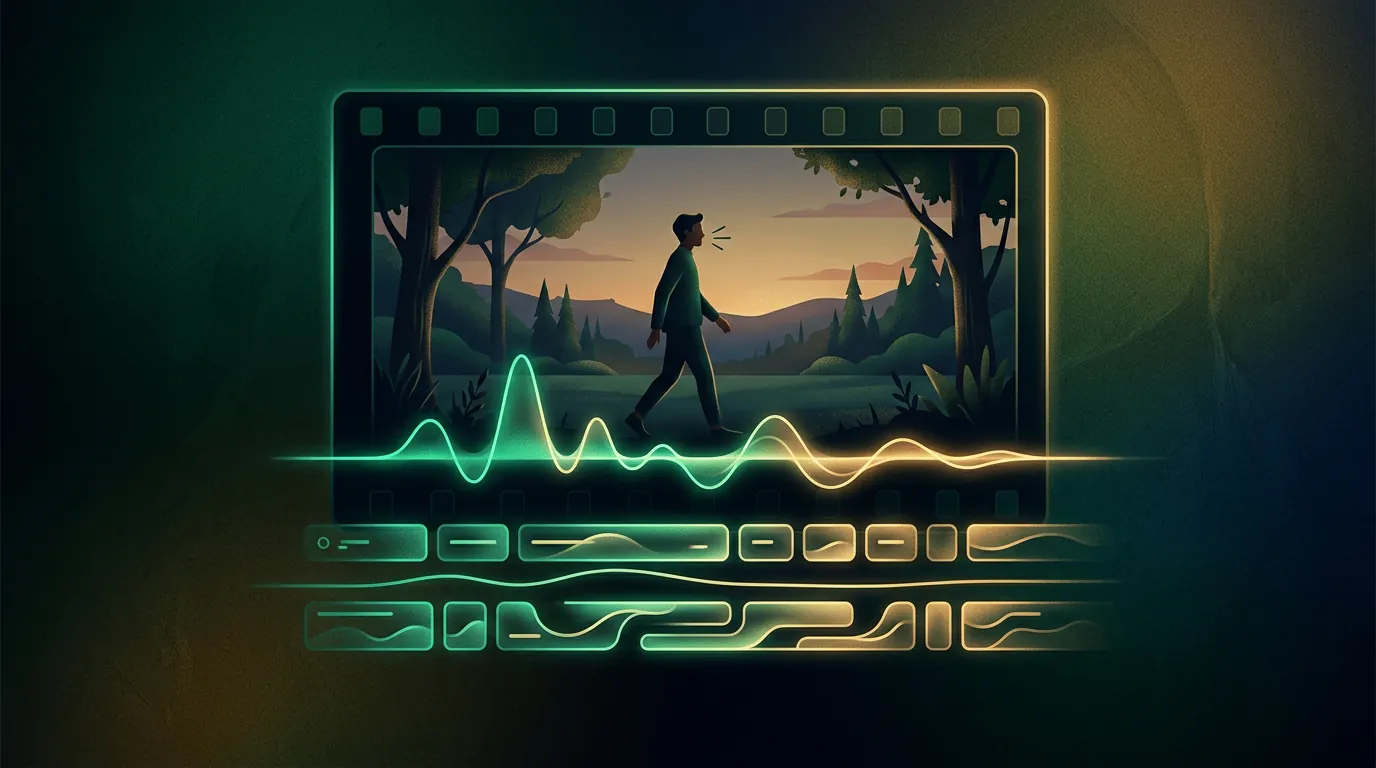
Automatic subtitles for video
Subtitles are the most common and at the same time the "cheapest" way (in compute) to finish a ready video: here the network draws nothing but listens to the sound and turns speech into text. So it's a convenient entry point into video processing — fast, cheap and almost always useful.
How it works
At the core is speech recognition (more on this in the guide on speech synthesis and recognition): the network listens to the track, transcribes the words and sets the timings — which phrase at which second. The output is either a subtitle file (.srt/.vtt) or subtitles already "burned" into the frame.
Since the model works with sound, not the picture, subtitles are cheap to compute — this isn't "heavy" video generation.
Upload a clip — get ready subtitles with timings. Speech recognition is cheaper than video generation; the first transcriptions are available after signing up and onboarding.
Why subtitles at all
- Watching with no sound. Most of the social feed is watched without sound — without subtitles you lose those viewers.
- Accessibility. For people with hearing impairments.
- Retention and SEO. Text in the frame holds attention, and a transcript helps platforms understand what the clip is about.
- A basis for translation. Ready text is the first step toward dubbing into another language.
To make it tidy
- Check names and terms. Recognition errs on rare words, brand names, names — they're worth proofreading.
- Watch the line length. Two lines, no more; cut a long phrase by meaning.
- Punctuation and case. Modern models set them themselves, but a quick look-over doesn't hurt.
- Style for the platform. For social — large "burned-in" subtitles; for YouTube — a separate file so the viewer can turn it off.
Опрос
Subtitles in which language do you need more often?
Проголосуйте, чтобы увидеть результаты
What's next
Subtitles are the text of your speech. The next step is logical: translate that text and voice the video in another language — that is, make a dub.
In the Twelver chat you can upload a clip right into the conversation and get subtitles — no separate apps. Transcription is available after signing up and onboarding.
Try it yourself
Everything in this guide runs inside Twelver
One chat for text, images, video, music and voice — no separate services or subscriptions.
Open Twelver chat