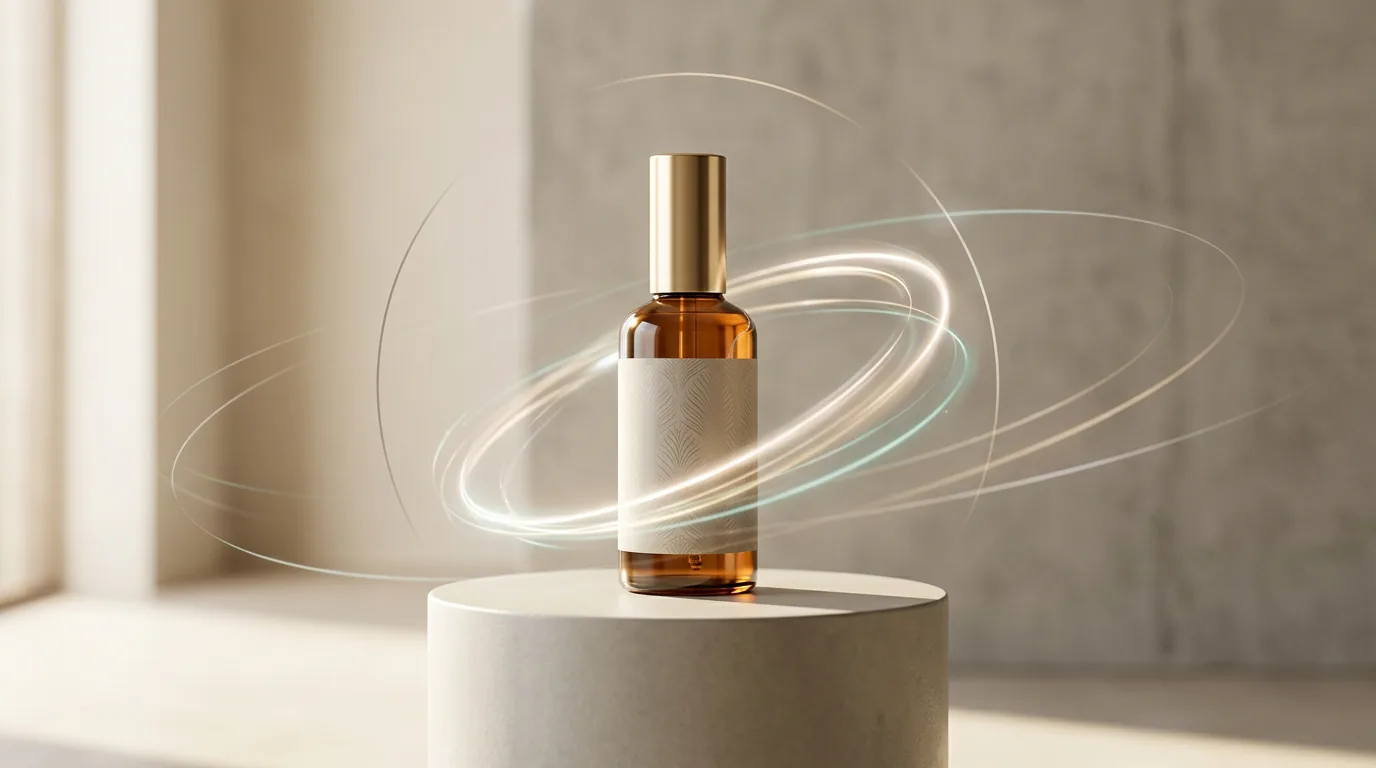
An ad video from a product photo
You have one photo of a product — but you need a short ad clip: for the feed, for a listing, for paid promotion. This used to mean a studio, an operator and an editor. Now a neural network animates the static shot: the product rotates, the camera dollies in, texture and a highlight appear. This is image-to-video mode — it starts not from empty text but from your real frame, so the product stays recognizable.
Why from a photo, not from text
For a product ad, accuracy matters more than imagination. Text to video will invent "some" bottle — but you need yours, with your label and colour. So start from the shot: the model adds movement and light but keeps the shape, colour and packaging. The product photo itself can first be polished up in the image book — a clean background and even light give a better clip at the output.
Upload a product photo and ask for light movement. For your first time: "a slow camera dolly in on the product, soft studio light, a light highlight glides across the surface, neutral background, premium calm mood". Video costs more than pictures: a clip is available after signing up and onboarding.
12 shots an ad is assembled from
A good clip isn't one shot but a cut of short ones. Here's a working set of scenes you can assemble almost any ad from:
- A clean reveal — a slow dolly to a "hero" angle.
- Scale — the product next to a hand or a familiar object.
- Texture macro — a close-up of the material, seam, surface.
- In context — the product in the buyer's real environment.
- The "before" problem — an everyday inconvenient scene without the product.
- The "after" order — a tidy result with the product.
- A set layout — several items in a grid/unboxing.
- A pass through colours — the camera glides over the colour options.
- Packaging — the product is put into a bag, a box, on a shelf.
- A gift — the product in simple packaging, warm light.
- A seamless loop — calm movement for a listing/landing.
- A reminder — a short hero frame with room for text.
What you can't 'draw in'
A workflow in one evening
- Pick one product with traffic and a clear benefit.
- Phrase the one idea of the clip in one sentence.
- Prepare a clean product photo (background, light, nothing extra in the frame).
- Generate 2–3 short scenes from the list above.
- Add a voice-over, music and subtitles.
- Assemble three versions for different placements: feed, listing, email.
“3 prompt templates for a product ad”
Ready formulas for a clean reveal, a “problem–solution” combo and a social hook — with notes on what to lock in so the product stays accurate.
Входит в подписку
Опрос
Where is your ad clip mainly going?
Проголосуйте, чтобы увидеть результаты
What's next
If you sell on marketplaces, video in a listing has its own rules and formats — the next chapter is devoted to that.
In the Twelver chat a product photo is turned into a clip right in the conversation: add movement, light, voice and music — without a studio or separate apps. Starter tokens for video are granted after signing up and onboarding.
Try it yourself
Everything in this guide runs inside Twelver
One chat for text, images, video, music and voice — no separate services or subscriptions.
Open Twelver chat