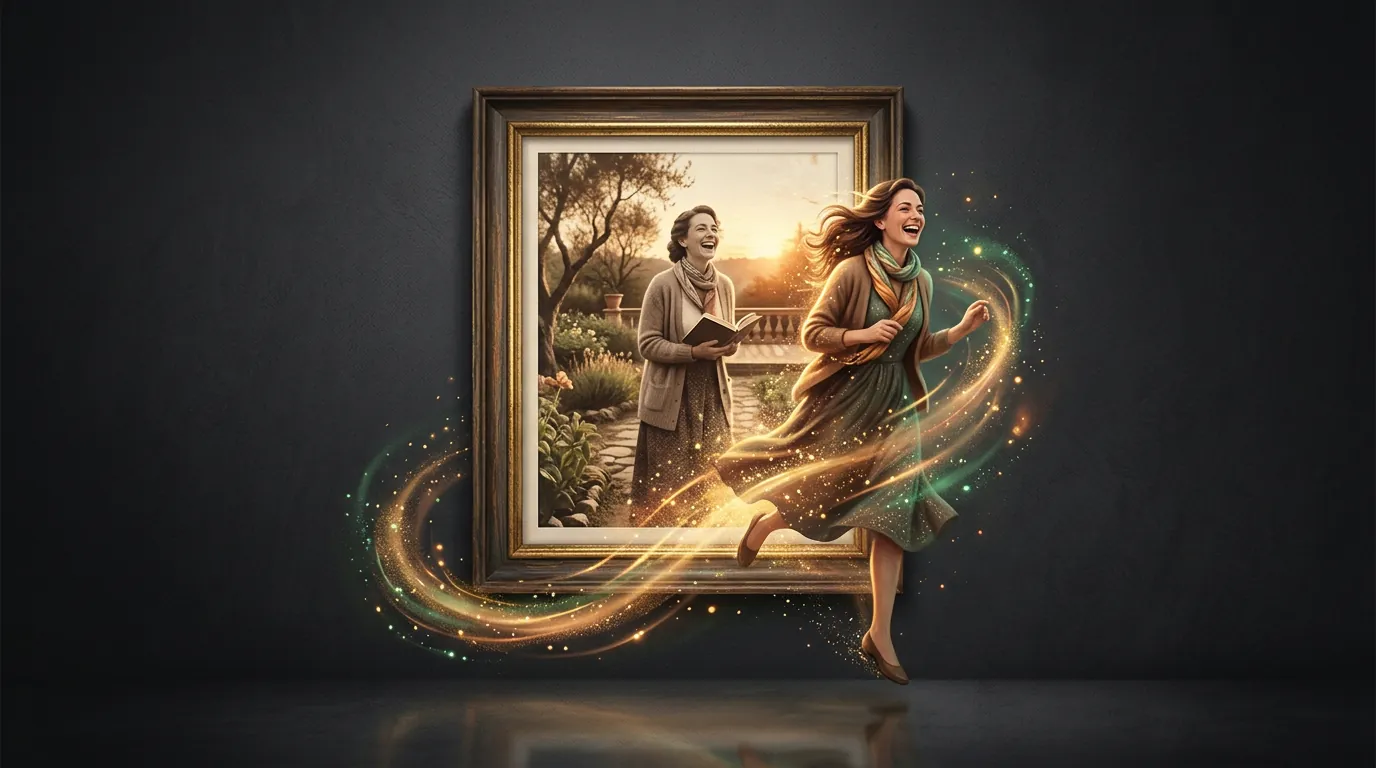
Animate a photo: how to make a video from a photograph
The most common reason people first try video generation is to animate a photo. An old shot of grandma where she suddenly smiles and blinks. A portrait that starts to breathe. A holiday frame where the waves finally move. Technically it's an already-solved task you can do in a minute — let's work out how to get a result that touches you rather than scares you.
How a photo turns into video
The network takes one still image and builds what isn't in it: the next fractions of a second of motion. It "imagines" how a person might move, a branch sway, a cloud drift — and draws the missing frames between imagined poses. This is called image-to-video, "photo to video".
The key point: the model doesn't know what really happened — it plausibly makes it up. So light natural movement (a blink, a smile, a turn of the head) comes out almost every time, while complex movement (a person stands up and walks off) is a lottery.
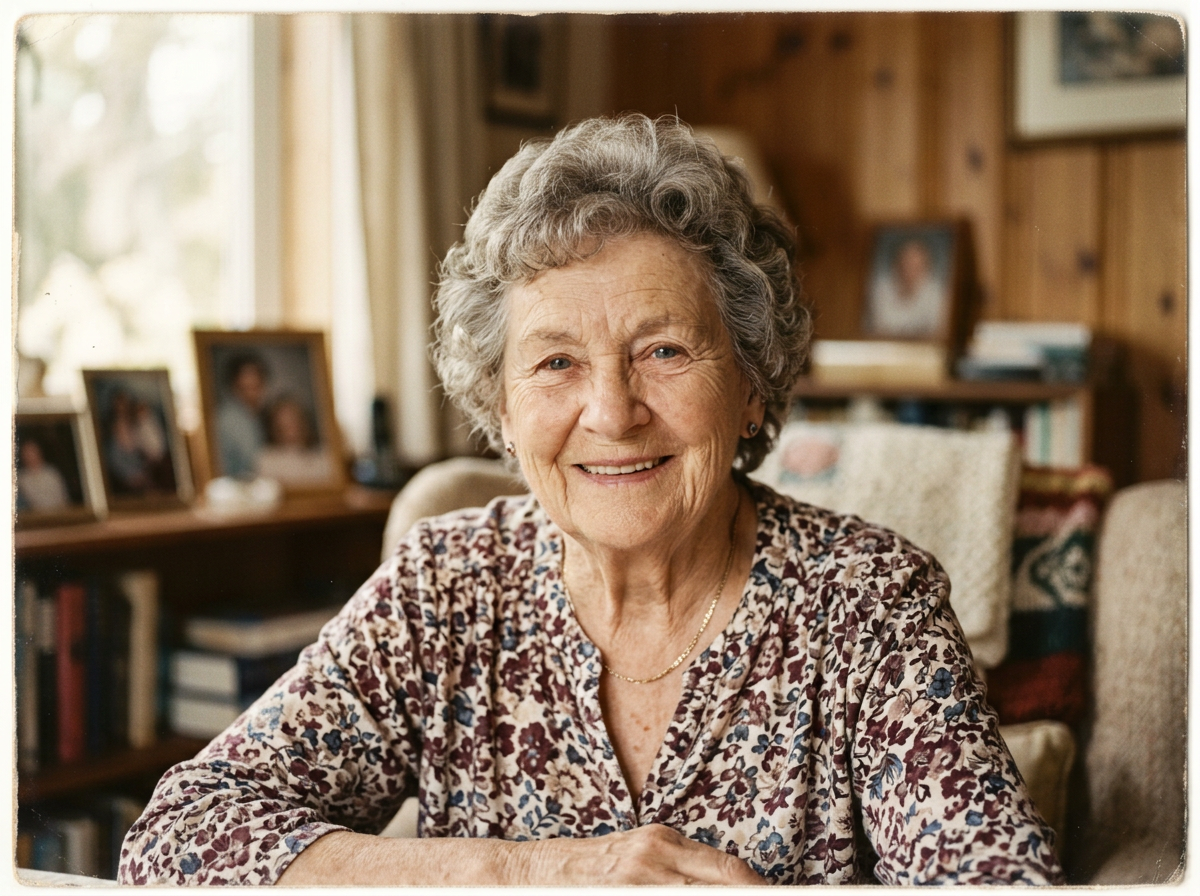
Upload a portrait — and watch it come to life right here. Video costs more than pictures: the first clip is available after signing up and a quick onboarding — which grants starter tokens.
What to ask for so it comes out natural
Animation is controlled the same way as image generation — by describing the movement. Useful guideposts:
- Ask for little. "A light smile, slowly blinks, breathes barely perceptibly" works better than "actively moves and waves a hand". The more modest the movement, the more believable.
- Specify the camera. A slow zoom in or a gentle pan adds "cinema" without risking breaking the face.
- Use a sharp source. A blurry or small face the network will "redraw" its own way — and the likeness is lost. If the photo is poor, first improve it.
Where you need it
- Family archive. Animating old photos of relatives is the most touching scenario, the one people take up the topic for.
- Social content. A static frame comes to life and holds the eye in the feed better than a photo.
- Cards and ads. A product photo with light movement of the light looks more expensive.
- Portraits and avatars. A living avatar for a profile or a presentation.
Important: respect for memory and people
Animating a photo is emotionally powerful, especially when it's about loved ones who are gone. Healthy guideposts: animate what's dear to you; don't pass off generated movement as real footage where it would mislead; others' photos only with the consent of the people in them. The tool touches a nerve precisely because the result looks real — and that calls for care.
What's next
You've animated a ready photo. The next logical step is to learn to create a clip from scratch, from a single text description, when there's no source frame yet.
In the Twelver chat you can upload a photo right into the conversation and ask to animate it — no separate apps. Starter tokens for video are granted after signing up and onboarding.
Try it yourself
Everything in this guide runs inside Twelver
One chat for text, images, video, music and voice — no separate services or subscriptions.
Open Twelver chat