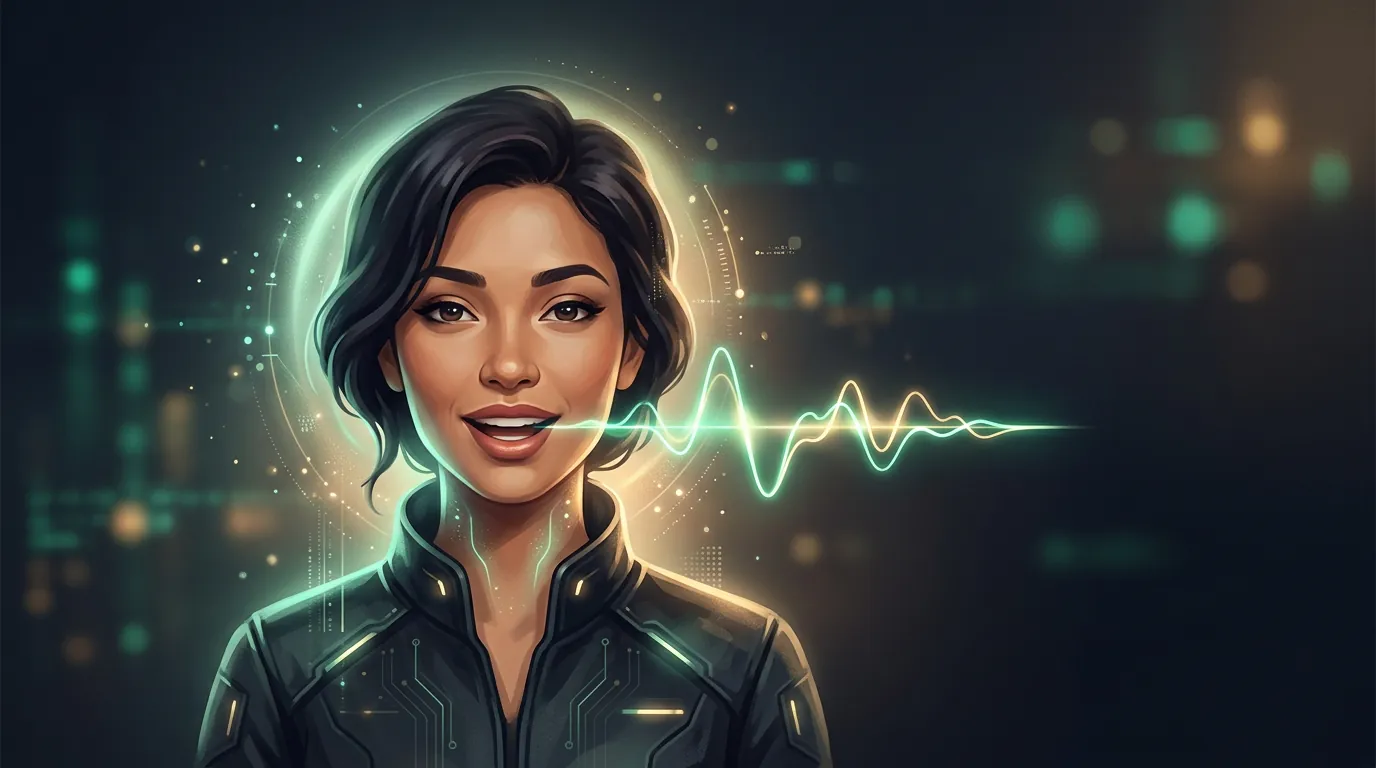
A talking avatar: how to make a face speak
A talking avatar is when a static portrait (yours, drawn or stock) starts to speak a given text: the lips are in sync with the words, the face is alive, the head is led by natural expression. People build avatar-hosts, tutorials, presentations and social content on this — without filming and without a camera.
How it's assembled
Under the hood are two technologies together:
- Voice. Text is turned into speech — by synthesis or by cloning your voice. That's the domain of the neighbouring guide, on speech synthesis.
- Lips and expression. The network fits the movement of the lips and face to that sound (lip-sync) and adds natural micro-movements.
So a talking avatar is a "video + speech" combo. That's why quality depends on both parts: a good picture with a bad voice (or vice versa) instantly gives away the synthetic.
Upload a portrait, type the line — and get a clip where the face says it. Video costs more than pictures: the first avatar is available after signing up and onboarding — which grant starter tokens.
To make it convincing
- A clear front-facing portrait. The face large, looking at the camera, without a strong turn — that way the lip-sync lands more precisely.
- Short lines. The longer the monologue, the more the "lifelessness" accumulates. Cut it into phrases.
- Natural text. Write the way people speak, not the way documents are written — synthesis sounds more alive.
- Match the voice to the face. A mismatch in the age/gender of the voice and the appearance is the first thing that gives away the fake.
Where it's used
- Avatar-hosts for news digests, reviews, training courses.
- Presentations and onboarding — a "live" narrator instead of text on slides.
- Content in several languages — one avatar voices translated text for different markets.
- Brand characters and mascots that speak.
Important: consent and honesty
A talking avatar is, in essence, controlled speech from someone else's face, and here the deepfake risks are at their highest. The guideposts are simple: someone else's face and voice — only with consent; don't put words into an avatar that the person didn't say while passing it off as a real recording; for public content, honestly mark that the host is synthetic if it isn't obvious. In many countries, faking the statements of a real person can carry legal liability.
Опрос
Where is a talking avatar appropriate, and where does it cross the line?
Проголосуйте, чтобы увидеть результаты
What's next
You've covered the three basic modes — animation, text-to-video and the avatar. Now it makes sense to understand which neural network to do all this with: the models differ a lot.
In the Twelver chat an avatar is assembled in one conversation: upload a photo, write the line — get a clip with synced speech. Starter tokens are granted after signing up and onboarding.
Try it yourself
Everything in this guide runs inside Twelver
One chat for text, images, video, music and voice — no separate services or subscriptions.
Open Twelver chat