
How to make a GIF from a video: online for free, in Telegram and on a phone
You can turn a video into a GIF right on this page: the tool below runs in your browser, uploads nothing and saves a real GIF with an optional caption, boomerang and speed change. Below: which settings keep the file light, why a GIF weighs more than the video, and how to do it in Telegram, on an iPhone and on Android.
Short answer
Open a video in the tool below, pick a clip of up to 15 seconds and press “Make GIF”. For messengers and social media, 320–480 px and 10 frames per second are enough: a three-second GIF then weighs 1–2 MB. In Telegram you need no file at all — mute the video before sending and it goes out as a GIF.
Make a GIF from a video right here
Open a video — it is not uploaded anywhere, the GIF is built in your browser. Pick a clip of up to 15 seconds, the size and the frame rate.
The video never leaves your computer or phone.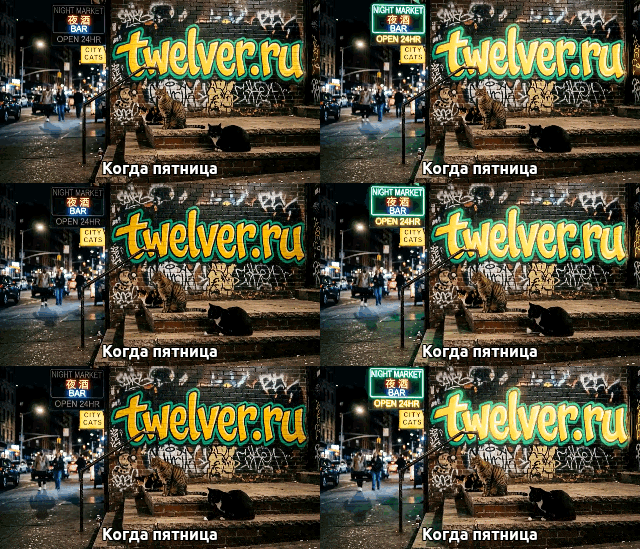
Settings that keep a GIF light
| Width | fps | Length | “Quality” | “Smallest” |
|---|---|---|---|---|
| 320 px | 10 | 3 s | 1.0 MB | ≈ 0.6 MB |
| 480 px | 10 | 3 s | 2.1 MB | 1.2 MB |
| 480 px | 15 | 3 s | 2.8 MB | — |
| 480 px | 10 | 5 s | 3.5 MB | — |
| 640 px | 10 | 3 s | 3.6 MB | — |
Why a GIF weighs more than the video
GIF dates from 1987: at most 256 colours per frame, and each frame is stored almost whole, while a video codec stores changes. The whole 6.6-second source MP4 weighs 604 KB; a GIF of three seconds of it at a quarter of the area weighs 2.1 MB. That is why Telegram has re-encoded GIFs to MPEG-4 since 2016.
On phones
- Telegram: pick a video to send, trim it and tap the speaker icon to mute it — Telegram sends a muted video as a looping GIF.
- iPhone: open this page in Safari, or use the Shortcuts app, which has a “Make GIF” action and ready-made video-to-GIF shortcuts in its gallery.
- Samsung: in Gallery, play the video and tap the GIF button at the top; you can pick the clip, speed and direction.
On a computer: ffmpeg
ffmpeg -ss 5 -t 3 -i video.mp4 -vf "fps=10,scale=480:-1:flags=lanczos,split[a][b];[a]palettegen[p];[b][p]paletteuse" gif.gifNext: grab a frame from a video, landscape to vertical video, the whole book.
Frequently asked questions
How do I make a GIF from a video online for free?
Why does a GIF saved from Telegram turn out to be a video?
How long can a GIF be?
Try it yourself
Everything in this guide runs inside Twelver
One chat for text, images, video, music and voice — no separate services or subscriptions.
Open Twelver chat