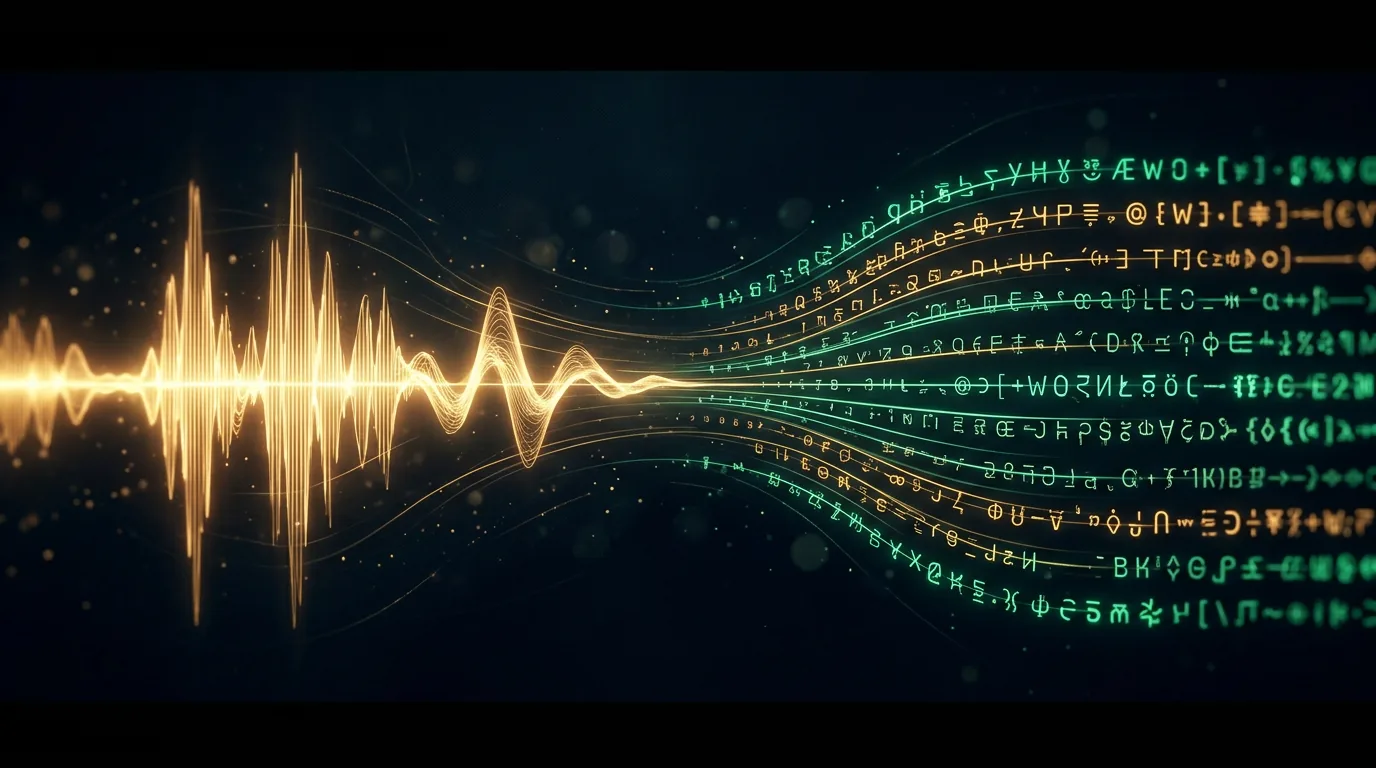
Transcribe audio to text
Transcription is the flip side of speech synthesis: a neural network listens to audio and turns it into text. A meeting recording, an interview, a voice message, a lecture, a podcast — all become text you can search, quote and edit. It's the "cheapest" scenario in this guide in terms of compute, and one of the most useful at work. You can do it right in the Twelver chat — upload a recording and get the text.
How it works
A speech-recognition (speech-to-text) network listens to the track, breaks the sounds into words and assembles the text, adding punctuation and sometimes marking who is speaking (speaker diarization). Modern models do this in dozens of languages and cope with accents and audio that isn't perfectly clean.
For example, from a short meeting clip a model would assemble something like: "The meeting is set for Tuesday at three in the afternoon. Don't forget to bring the quarterly report and prepare your budget questions." Upload your own recording below.
Upload audio or video — get text. Speech recognition is cheaper than synthesis; your first transcriptions are free after signing up.
Where you need it
- Meetings and calls — a written record instead of "who said what".
- Interviews and podcasts — a transcript for an article or video subtitles.
- Voice messages — read instead of listening.
- Lectures and study — notes from a recording.
- Journalism and research — search through what was said.
To make the transcript accurate
- Clean sound decides everything. Noise, music and several people talking at once are the main enemies of accuracy. The cleaner the recording, the fewer fixes.
- One mic close to the speaker beats distant "room" sound.
- Name the language and topic. A hint about the language and field (medicine, IT) helps the model with terms.
- Always proofread. Names, terms and numbers do get errors — a final pass is a must for anything important.
Transcript → what's next
Text from audio isn't the finish line, it's raw material. From it you can easily make a summary, a task list or an article — that's the job of an ordinary chat assistant you hand the transcript to. The "transcribe → ask for a summary" combo saves hours of digging through recordings.
“How to proofread a transcript fast”
Techniques for editing long transcripts, a prompt template for a summary, and a task list from a recording.
Входит в подписку
What's next
This is the last chapter of the speech guide. Voice for your projects doesn't end here — it meets video and music in the neighbouring guides: voicing and translating video, video subtitles and music generation.
In the Twelver chat you can upload a recording, get a transcript, and then ask for a summary right away — all in one conversation. A few transcriptions are free after signing up.
Try it yourself
Everything in this guide runs inside Twelver
One chat for text, images, video, music and voice — no separate services or subscriptions.
Open Twelver chat