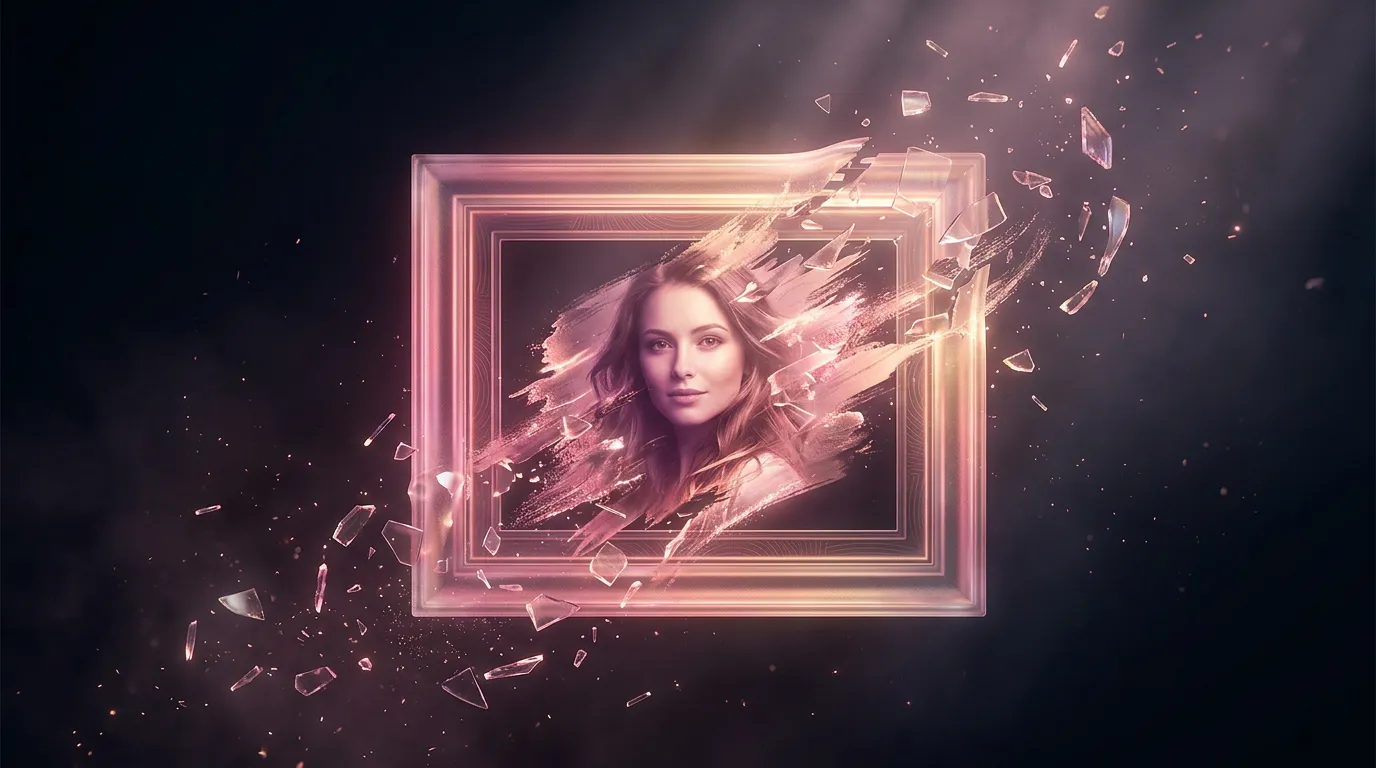
A greeting card from a photo with a neural network
A card made from your own photo lands harder than any picture off the internet — the recipient sees a familiar face or place. A neural network takes your snapshot and turns it into a card — a drawing, a watercolor, festive art — and you add the caption. The main thing here is that the person in the photo still has to be recognizable.
What to upload
- A sharp photo in good light. Face large in frame, no heavy shadows — the model keeps the features more accurately.
- One person, or a couple. The more faces in the shot, the higher the risk the model "redoes" someone.
- A clear background. If you're swapping the background for a festive one, that's fine — just describe which.
How to describe the card
Upload the photo and say what to do with it: a style ("watercolor", "cartoon art", "New Year card"), the occasion and its cues ("balloons, confetti", "snow, garland"), and where to leave room for text. Try it right here:
Better not to redraw the face
Where to put the text
Text on an AI-generated image is a struggle — the letters tend to come out warped. It's more reliable to leave open space for a caption (sky, a plain background) and add the wish afterward, when you send it or in an editor. As for the text itself, it's better to write it separately so it sounds personal.
Turning a photo into a drawing is the same work with style as elsewhere; if you need to clean something out of the photo before the card, the chapter on removing objects will help.
Frequently asked questions
How do I make a card from a photo with a neural network?
Can I make a card from a photo for free?
Can I make a card online, without installing an app?
How do I keep the face recognizable on the card?
You can turn your photo into a card and pick text for it in a single conversation in the Twelver chat. The first generations are free after you sign up.
Try it yourself
Everything in this guide runs inside Twelver
One chat for text, images, video, music and voice — no separate services or subscriptions.
Open Twelver chat