Midjourney: what it is and how to use it
If one neural network has become a synonym for "a beautiful AI picture", it's Midjourney. You recognize it by its signature aesthetic: rich light, cinematic depth, almost tangible textures. Many come to generation for exactly that "wow" — and quickly run into two things: a specific way of accessing it and a particular working logic. Let's cover both. And if Midjourney's access gets in the way, you can make pictures of a similar level without Discord — in the Twelver chat.
What makes Midjourney stand out
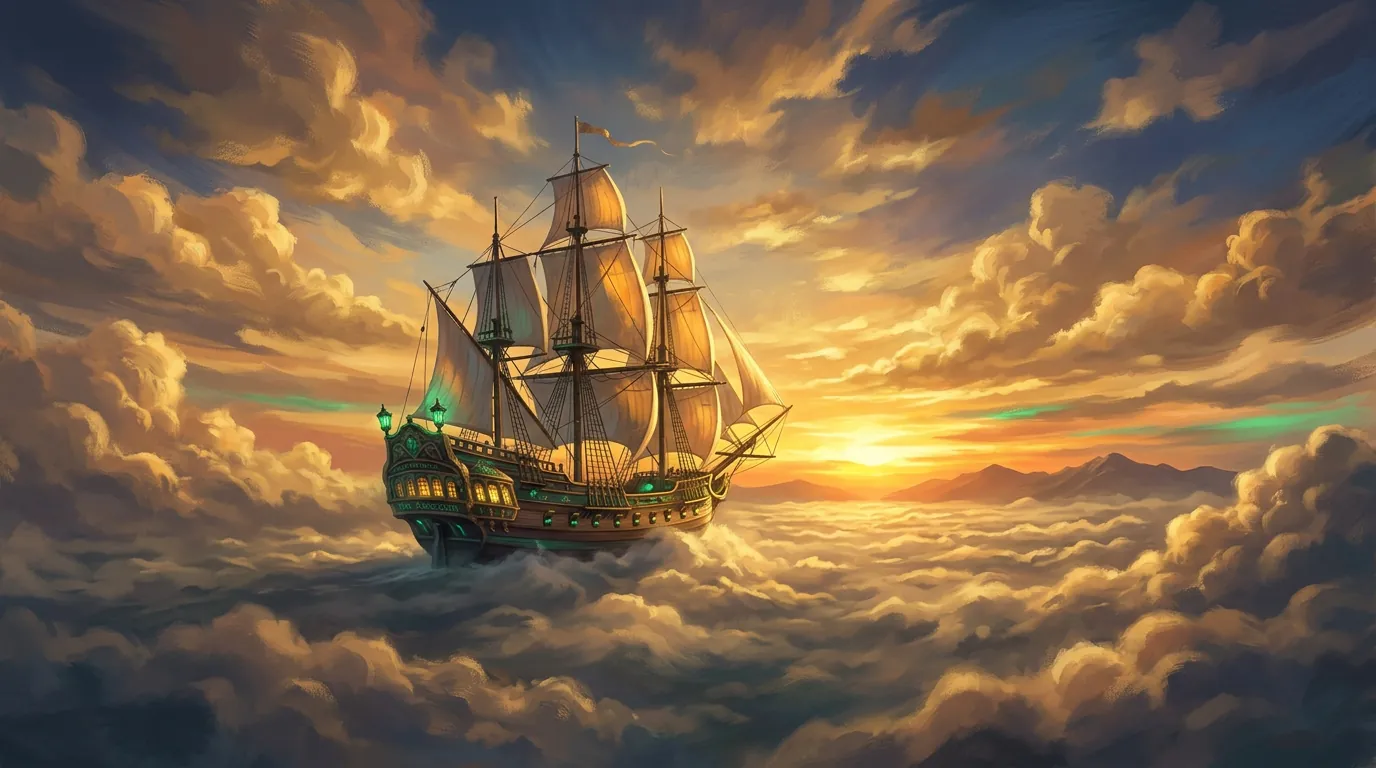
- Aesthetic by default. Even a simple prompt often comes out "expensive". The model seems to have built-in taste — where others give you flat, Midjourney adds light and atmosphere.
- Photorealism and artistry at once. Equally strong at "like a photograph" and at illustration, concept art, a film still.
- Strong understanding of style. Responsive to descriptions of technique, era, artistic movement.
The trade-off — less "technical" control than Stable Diffusion, and a distinctive "handwriting" that isn't always appropriate (for strict product photography, say, it can be too artistic).
Access and pricing
Honestly about the barrier. Midjourney runs on a subscription with no free tier and, historically, through Discord (though a web interface has appeared too). For a casual user that's the friction: there's no "just try it once for free", and you have to get used to its environment.
So the practical question isn't "is Midjourney better", it's "is the result worth the setup and the subscription for your specific task". For commercial production, where every percent of quality matters, often yes. For everyday pictures it's almost always simpler to take a free model or assemble a comparable result with other models with no barriers.
How to use it: the basics
- Subscribe on the Midjourney site, link your account.
- Create through the web interface or the
/imaginecommand in Discord. - Write the prompt in English — the model understands English noticeably better; other languages are worth translating (any chat assistant does this easily).
- From the grid of 4 variants, pick the one you like, upscale it or make variations (vary).
- Control format and "style strength" with parameters (
--arfor aspect ratio, and so on).
The principles of a good prompt are the same here, but Midjourney is especially responsive to descriptions of light, lens and artistic style — that's where it shines.
Enter a prompt — and get an "expensive" result without Discord or a separate setup.
Who it's for
Midjourney is the choice for those who need maximum aestheticand are happy to handle the access: designers, illustrators, marketers on visually demanding projects. If the subscription is a blocker, don't worry: the gap to the best accessible models shrinks with every update, and for most tasks it's no longer critical.
What's next
From the global benchmark we'll return to free regional models that work with no barriers — Kandinsky and Alisa.
In the Twelver chat you can write a prompt and get the result of premium models without Discord or a separate setup — all in one conversation.
Try it yourself
Everything in this guide runs inside Twelver
One chat for text, images, video, music and voice — no separate services or subscriptions.
Open Twelver chat